Dear Metas,
Twitch Drops are special events where you can earn in-game rewards just by watching Once Human live streams on Twitch. To participate, simply link your Twitch account to your Once Human game character here: https://www.oncehuman.game/twitch/
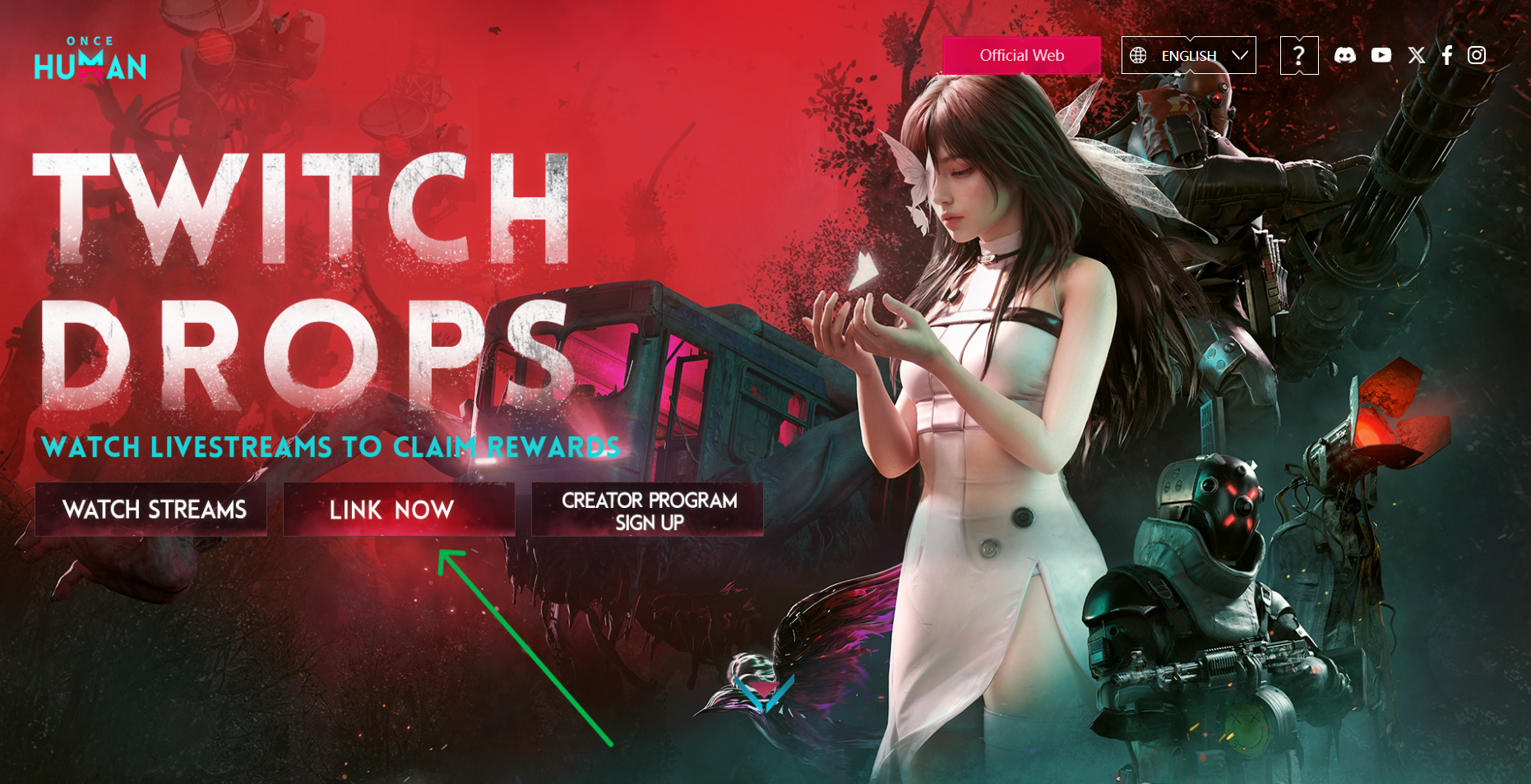
1. How do I link my game character to my Twitch account?
Visit https://www.oncehuman.game/twitch/and click the “Link Now” button, or scroll down to the second section of the page to begin the linking process.
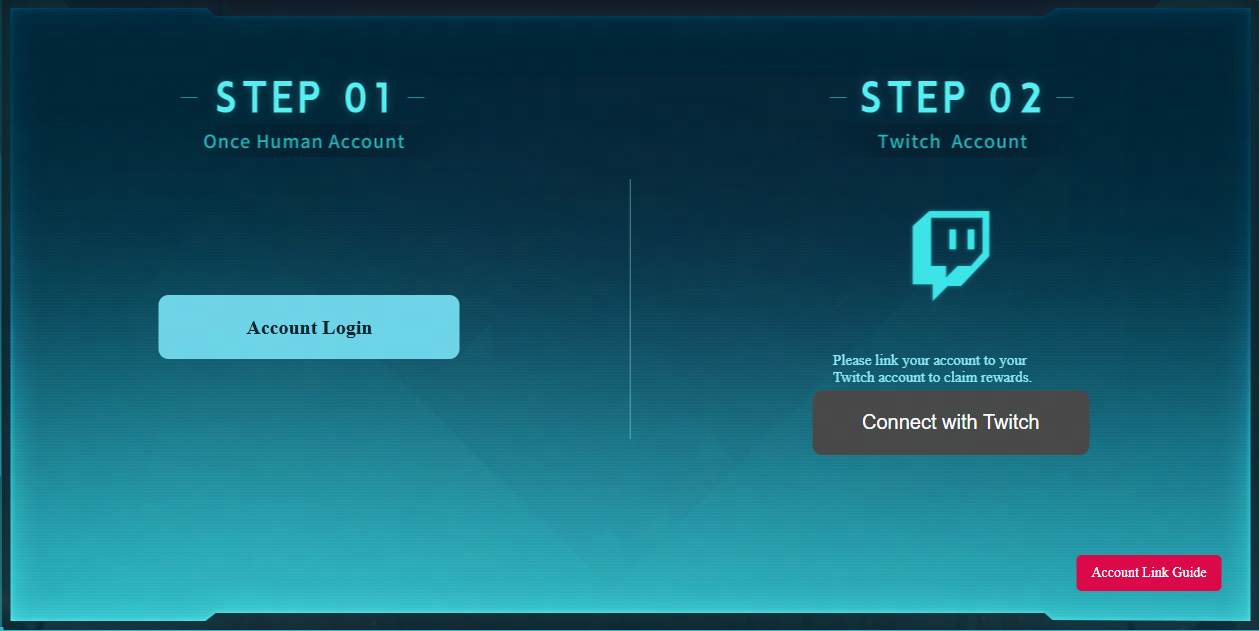
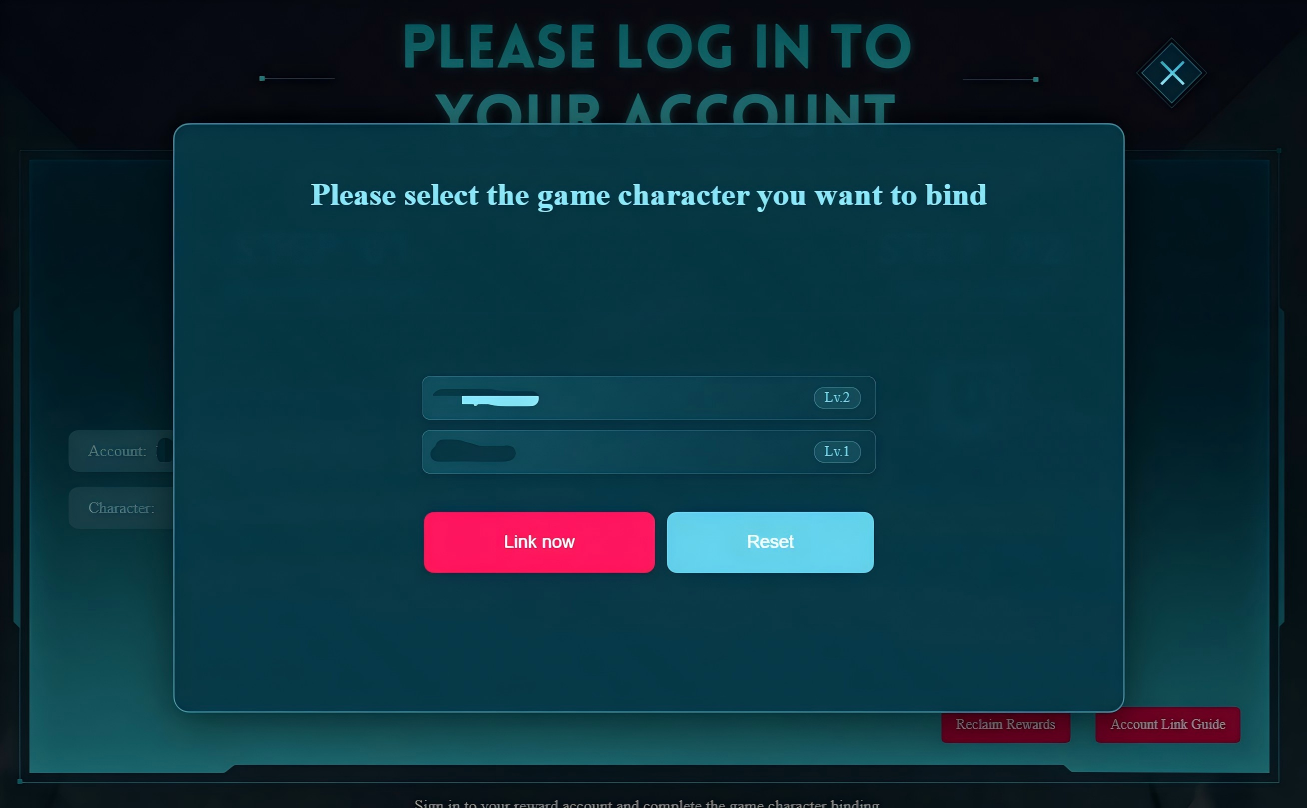
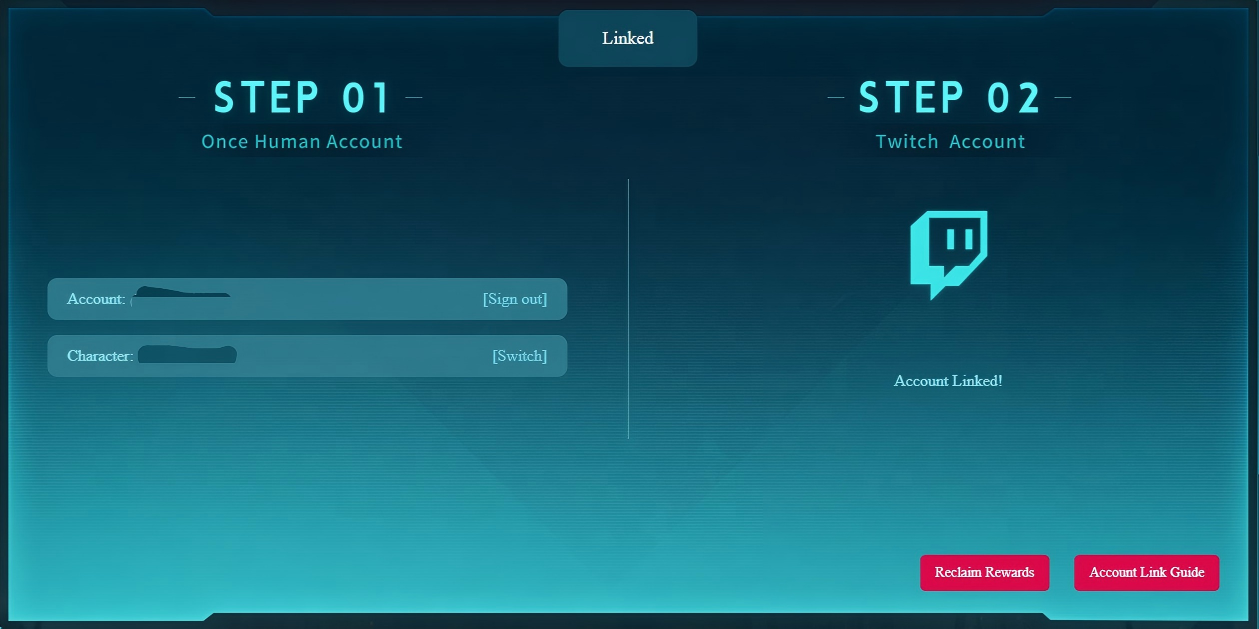
Step 1: Log in with your Game Character
Click the “Account Login” button and select your preferred login method to sign in to your Once Human account. Follow the prompts to bind your game character. Please note: A game account can only be linked to one Twitch account. Make sure to keep a record of your connected character's UID, as you will need it to claim your Twitch Drops rewards.
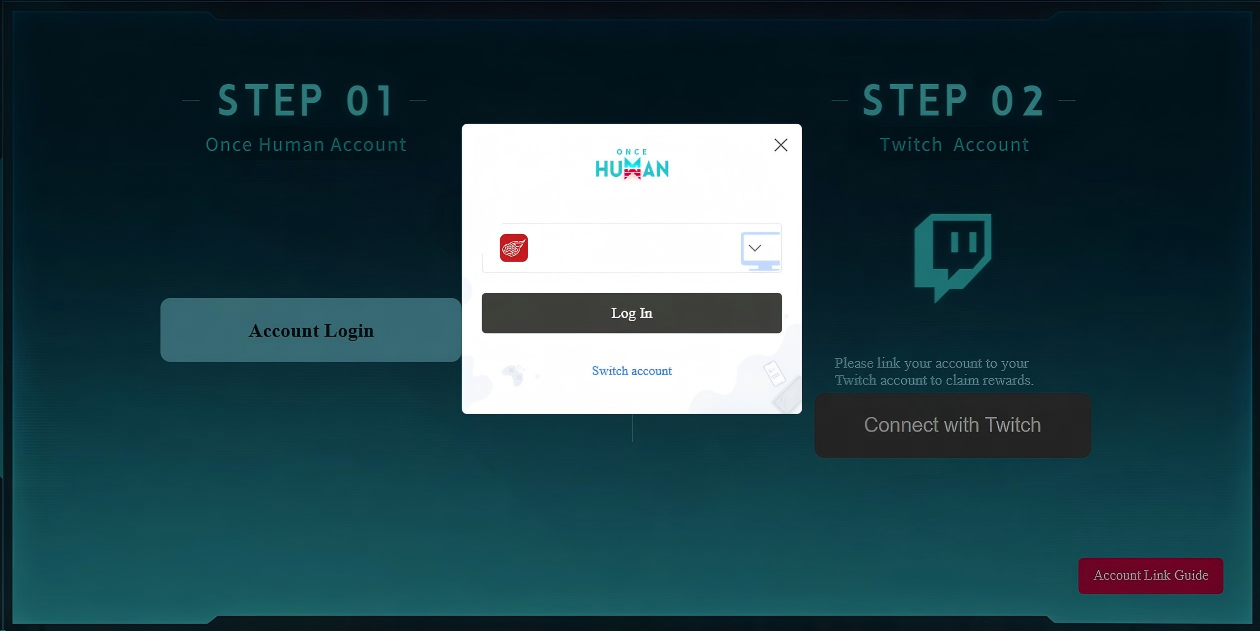
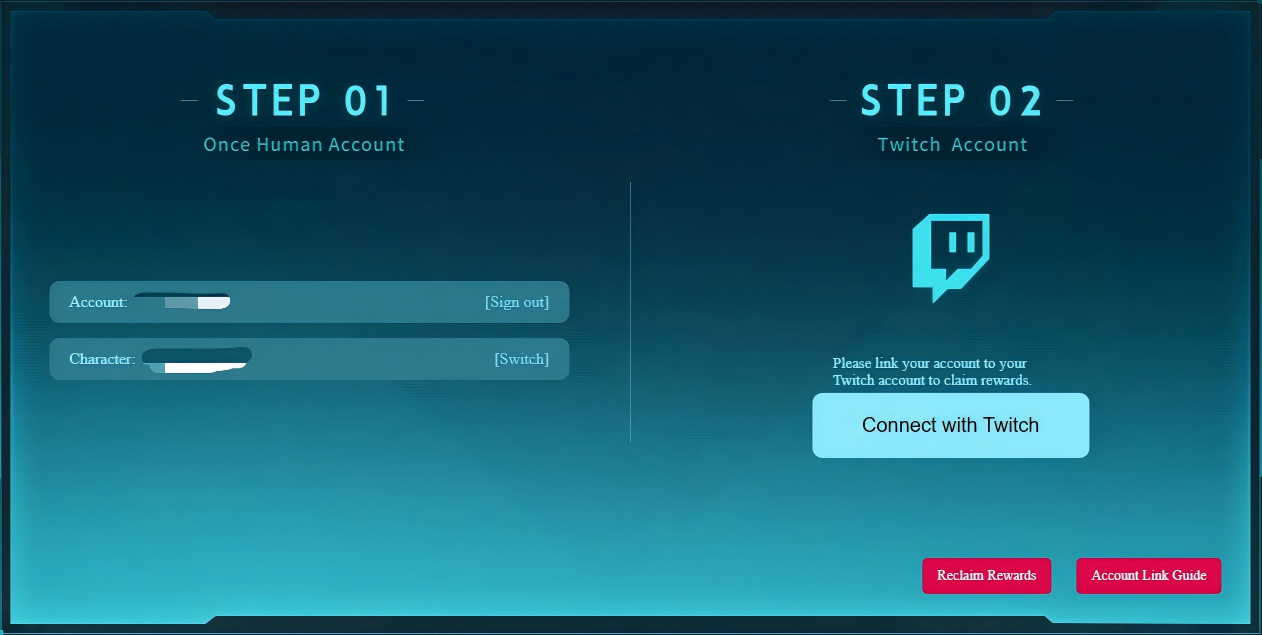
Step 2: Connect your Twitch Account
Click “Connect with Twitch” to be redirected to the Twitch website for authentication. Once authorized, your Twitch account information will be displayed on the right side of the page.
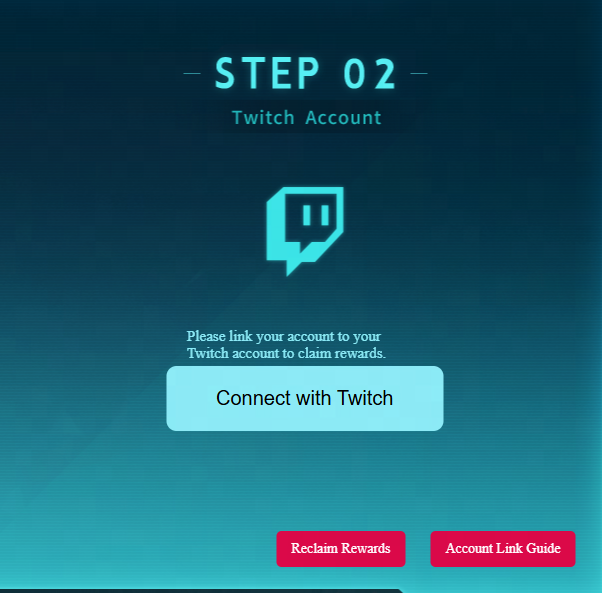
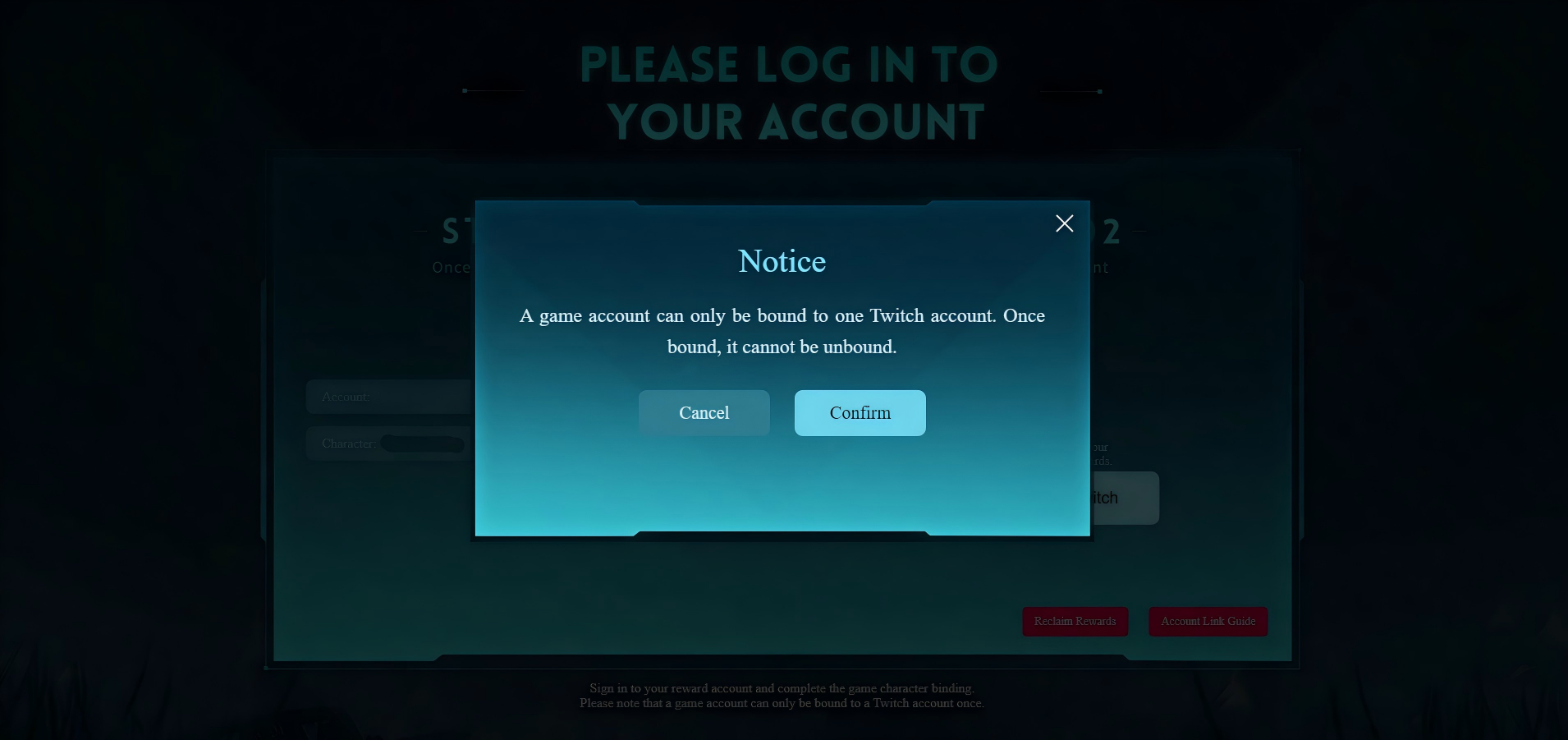
After successfully linking both accounts, "Account Linked!" will apprear on the page. Scroll back to the top of the page and click “Watch Streams,” or head directly to Twitch and start watching any live stream in the Once Human category to start earning rewards!
2. What are the upcoming plans for Twitch Drops?
Whenever there is a major game update, we launch special limited-time Drops events featuring rare cosmetic items. We have at least 3 more Drops events planned for the remainder of 2026. Keep an eye on https://www.twitch.tv/drops/campainsfor event details as they go live!
3. What if I have more questions?
If you experience any issues or have suggestions, please reach out to us via the in-game customer service portal. Our support team will be happy to assist you.
The Once Human Team