Dear Metas,
Survival does not always happen when you are perfectly seated in front of your gaming PC.
Sometimes you are traveling with only a laptop. Sometimes your phone is the only device nearby, but your base still needs checking, your resources still need sorting, and the world of Once Human is still calling.
We have heard that feeling from Metas: “I want to keep playing Once Human, but my main PC is not always with me.”
That is why we are excited to announce our partnership with StarDesk, a remote PC access tool that helps you connect back to your home computer from another device. With StarDesk, your PC keeps running Once Human, while your phone, tablet, or laptop becomes your way back into the game.
Same world. Same progress. Your PC power, now easier to reach.
Why We Teamed Up with StarDesk
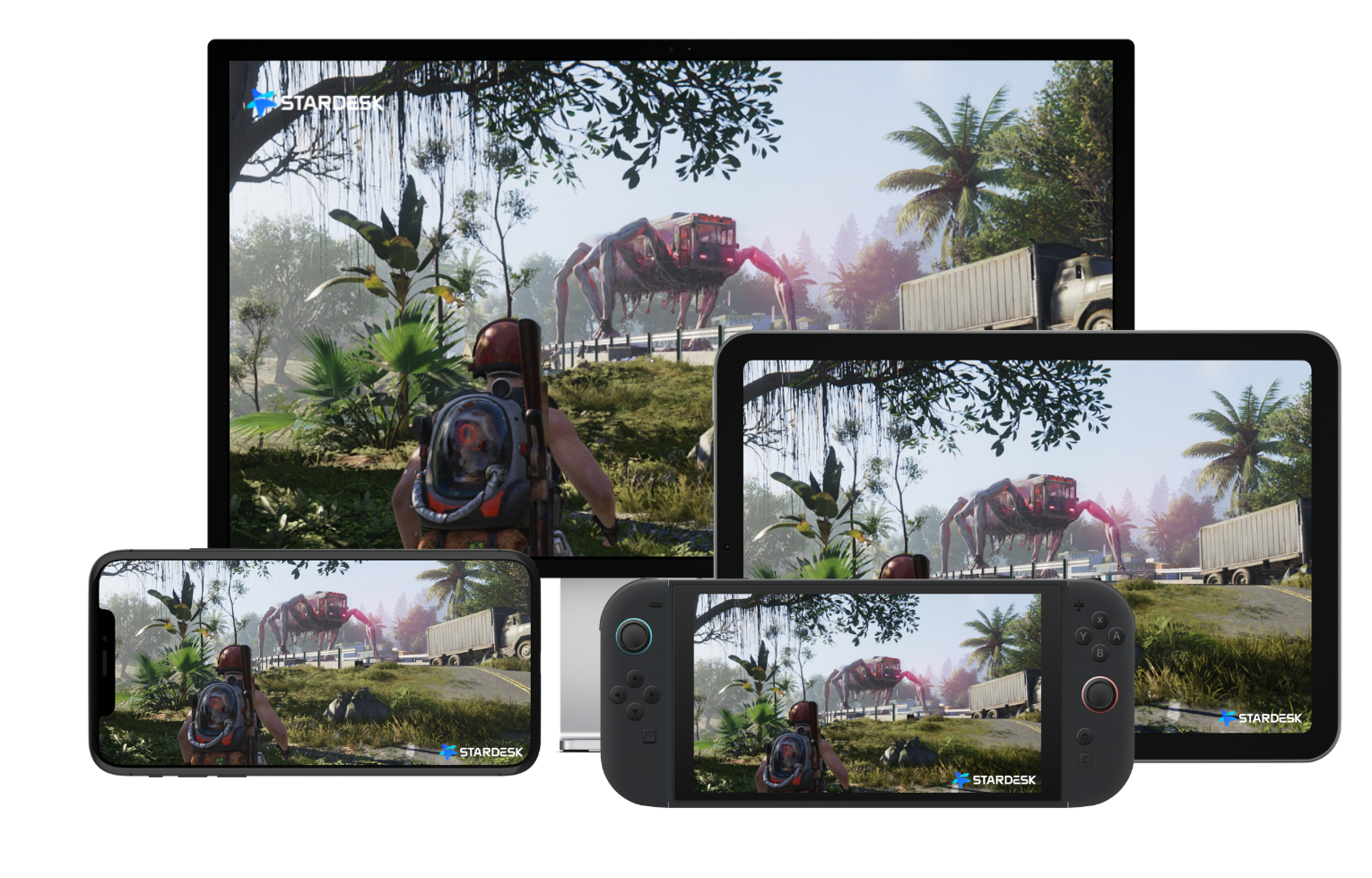
With StarDesk, your gaming PC handles the game performance, while your phone, tablet, or laptop focuses on display and control. This helps reduce the workload on the device in your hands, which can mean less heat and lower battery pressure for your mobile devices.
It also means you can enjoy the visual quality of PC setup on another screen. Instead of lowering your expectations because you are away from your desk, StarDesk lets your PC stream the Once Human experience to the device in front of you.
Most importantly, your progress stays with you. You are connecting to your own PC, so you can continue your Once Human journey from another device without leaving your base, missions, resources, or progress behind.
Key Features for Metas
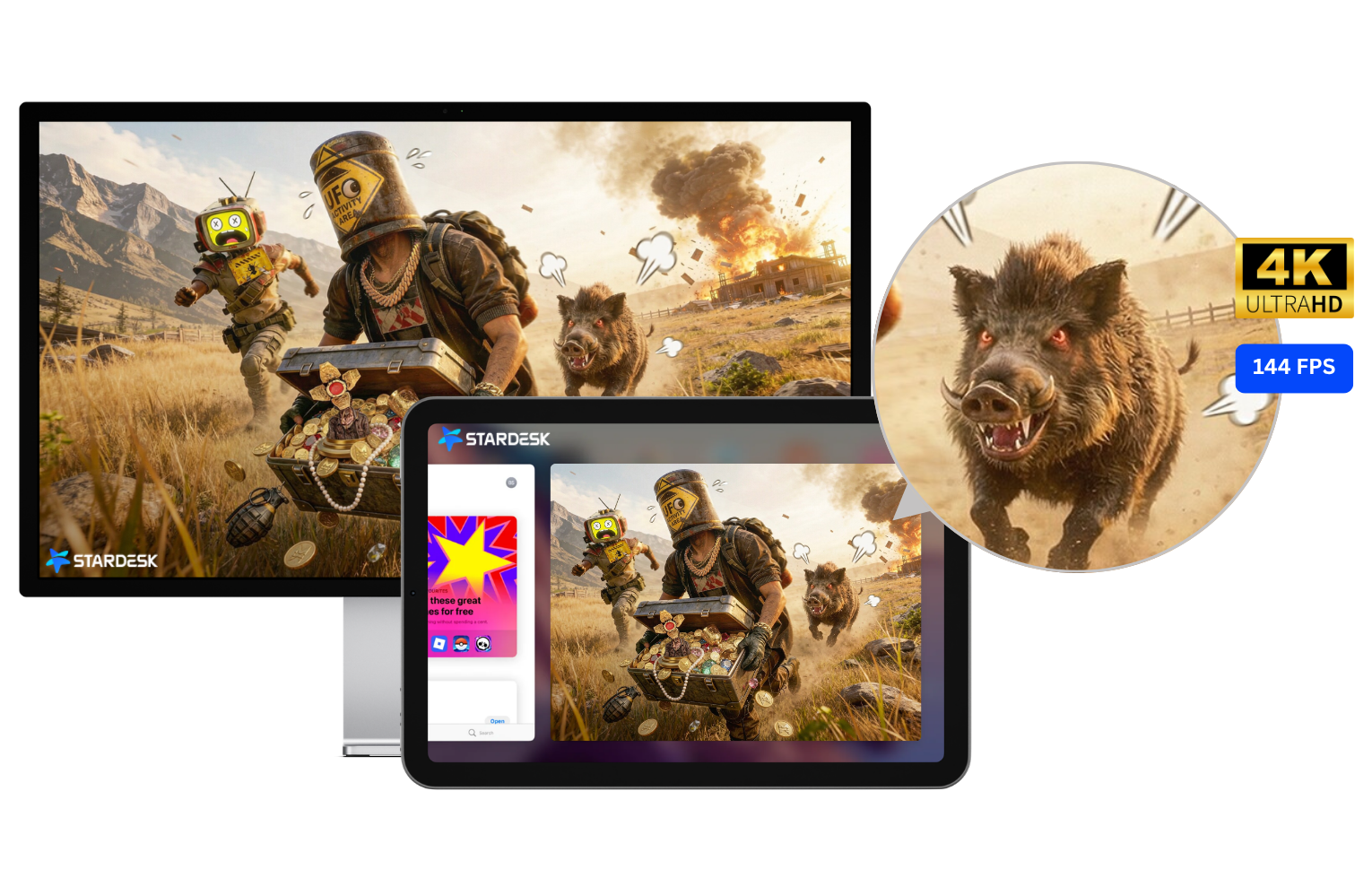
Low latency
StarDesk is designed for responsive remote control, helping you move, manage, and react smoothly.
High visual quality
Stream your original PC gameplay to another device and keep the detail and atmosphere of Once Human close.
Flexible touch controls
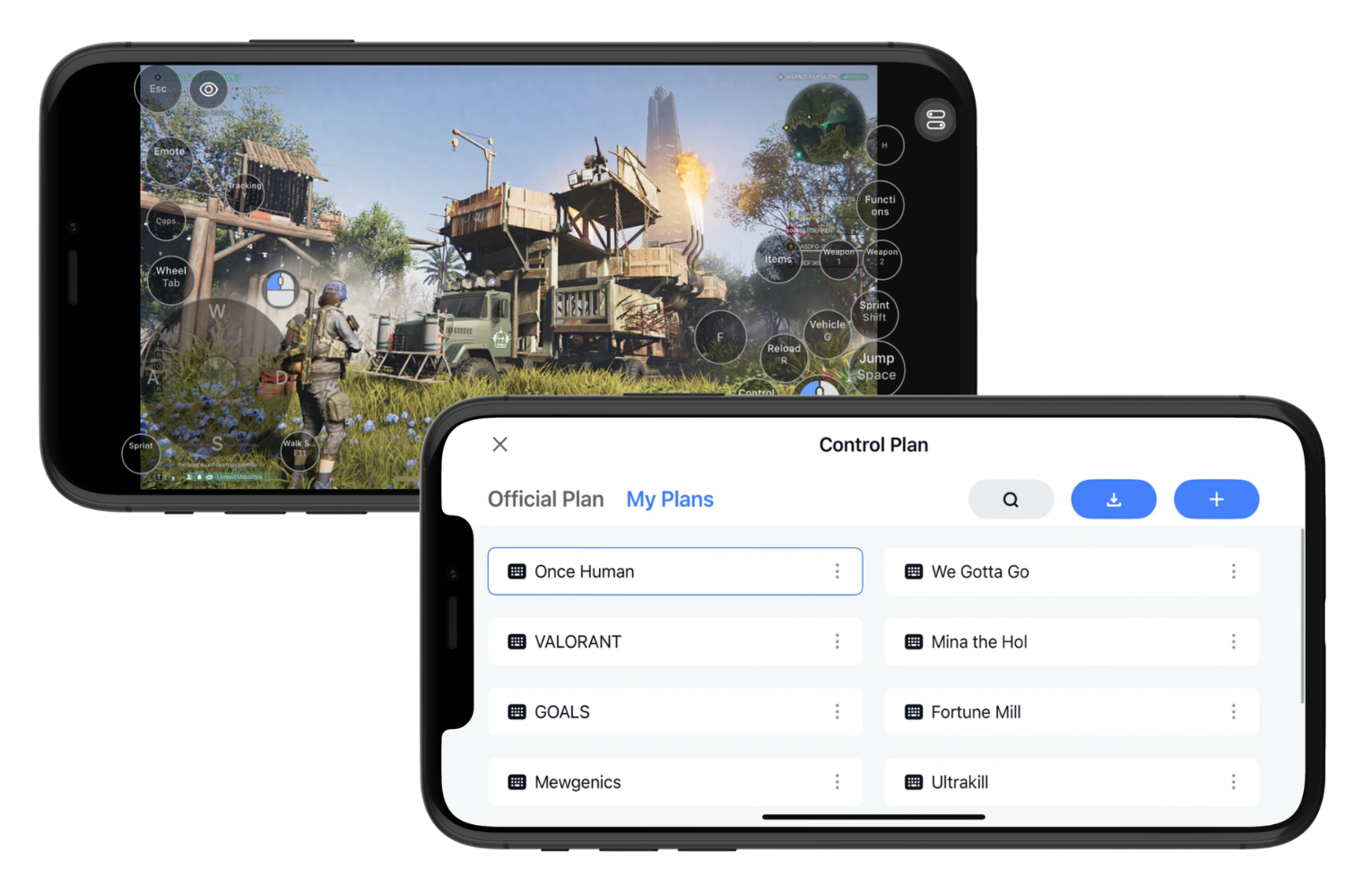
StarDesk supports touch control and key presets, helping mobile Metas simulate familiar PC key actions on a touch screen.
Free to use
As part of this partnership, StarDesk is available for free, so more Metas can try a new way to stay connected.
Multi platform support
StarDesk supports Windows, macOS, iOS, and Android, making it easier to connect across the devices you already use.
Get Started in 3 Steps
Getting back to your Once Human world with StarDesk is simple:
1. Download StarDesk on your gaming PC
Download StarDesk on the computer where you play Once Human, then sign in.
2. Download StarDesk on another device
Download StarDesk on your phone, tablet, or laptop, and sign in with the same account.
3. Connect and start playing
Connect to your PC, open Once Human, and continue from the same progress you already have.
That is it. Your PC runs the game, and the device in your hands brings you back into the world.
Keep Your World Within Reach
Once Human is a world of danger, discovery, strange encounters, and those quick check ins that somehow become very important missions.
With StarDesk, we want to give Metas more freedom to return to that world from the device in front of them, whether they are at home, away from home, on a trip, or simply away from their main PC.
Your PC still carries the power. Your progress stays where it belongs. Your world becomes easier to reach.
Download StarDesk and continue your Once Human journey from any device.
The world does not wait, so neither should you.
Stay alive out there.