Before You Read
I. Disclaimer
The content in this tutorial document is undergoing continuous updates, and will be supplemented and corrected periodically. Metas are welcome to provide optimization and suggestions while reading. Feel free to join our Custom Server host community [Discord: https://discord.gg/oncehuman Custom server Discussion] and submit feedback.
II. Content Overview
This tutorial is divided into the following two sections to help you get started quickly:
1.Server Settings
Introduces various basic parameter options for the server, accessible via the "Manage server" menu before entering the server.
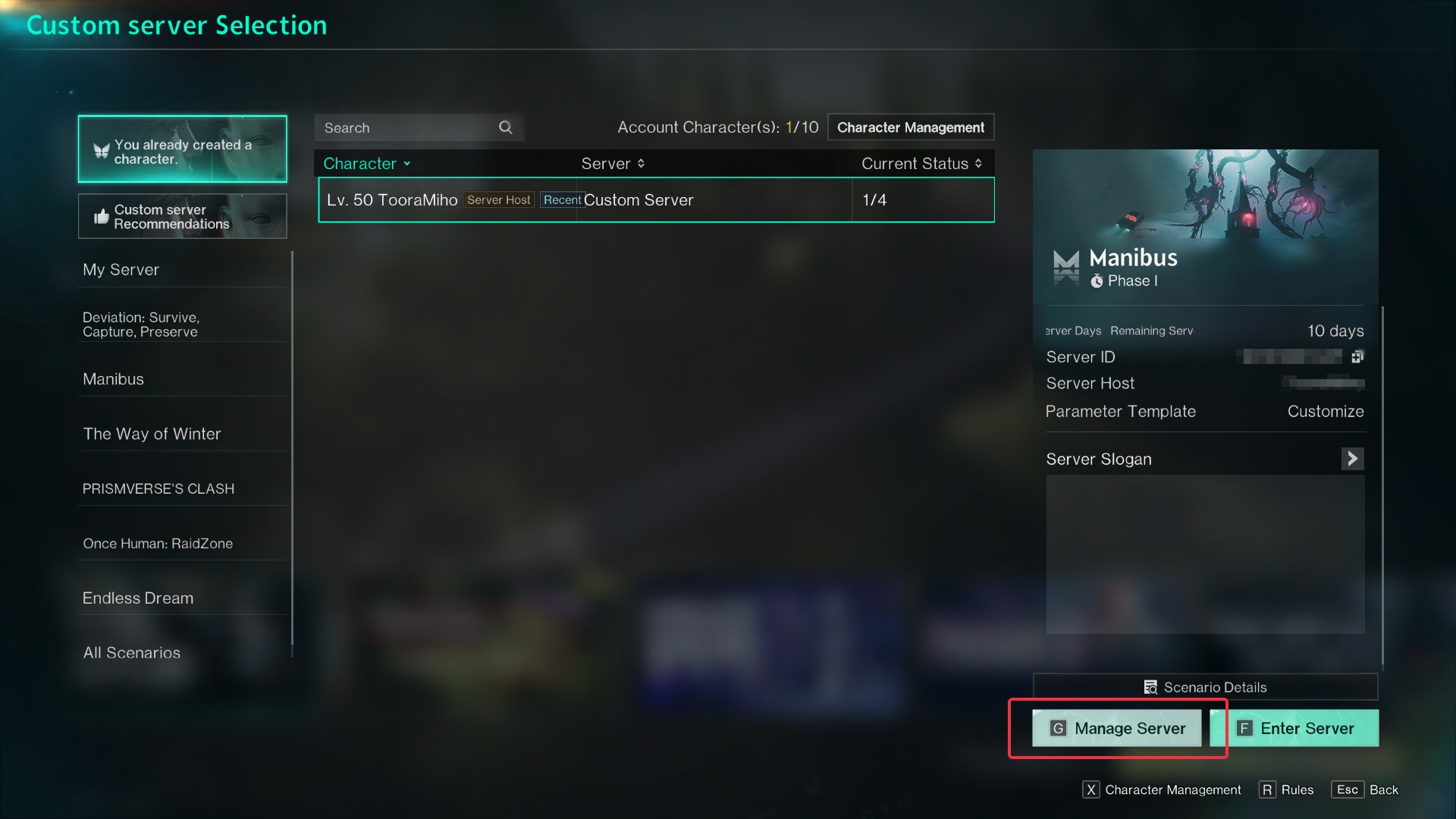
2. In-server Settings & Dashboard
Covers operational options for the server, which can only be accessed after entering the server.
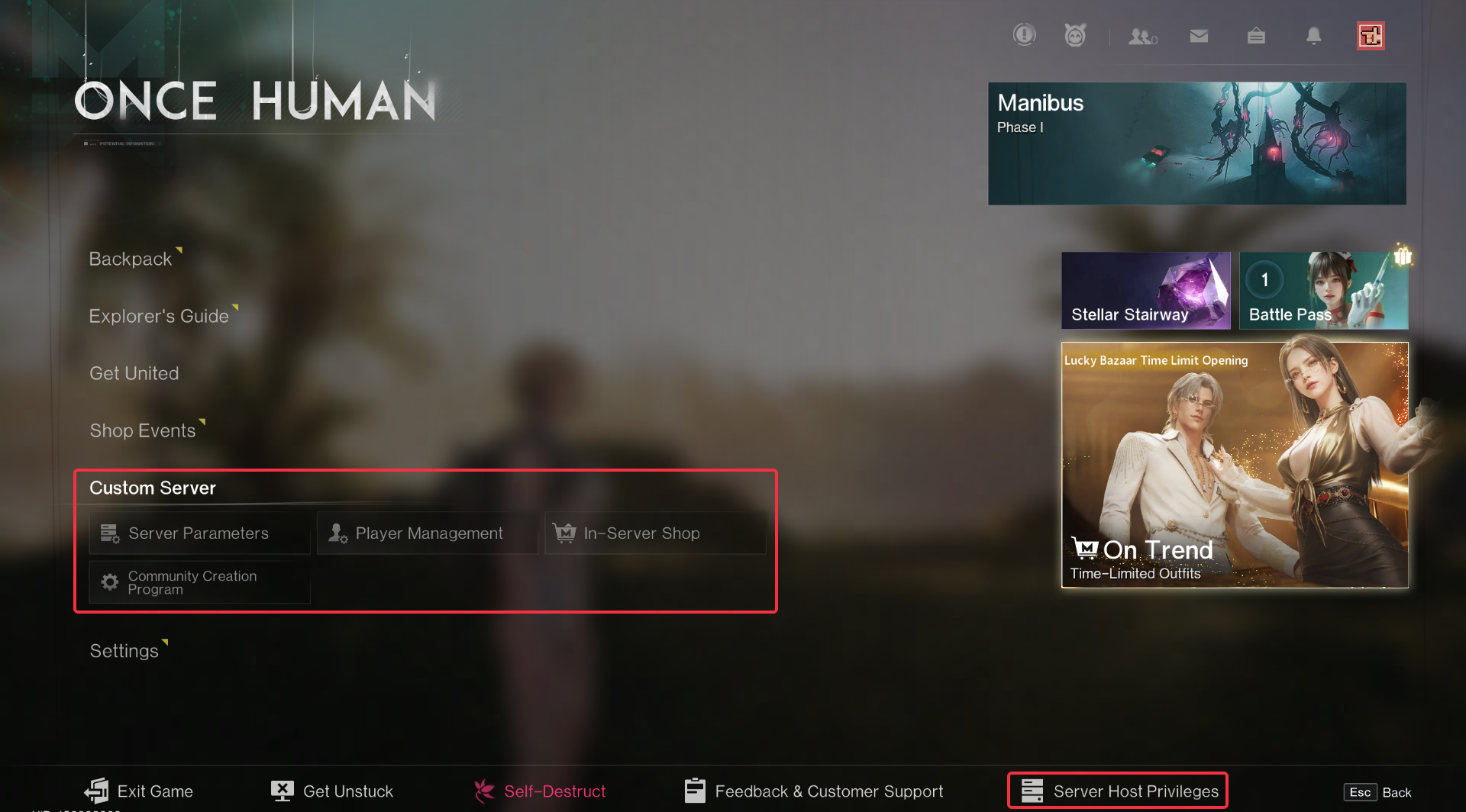
Server Settings
I. Basic Settings
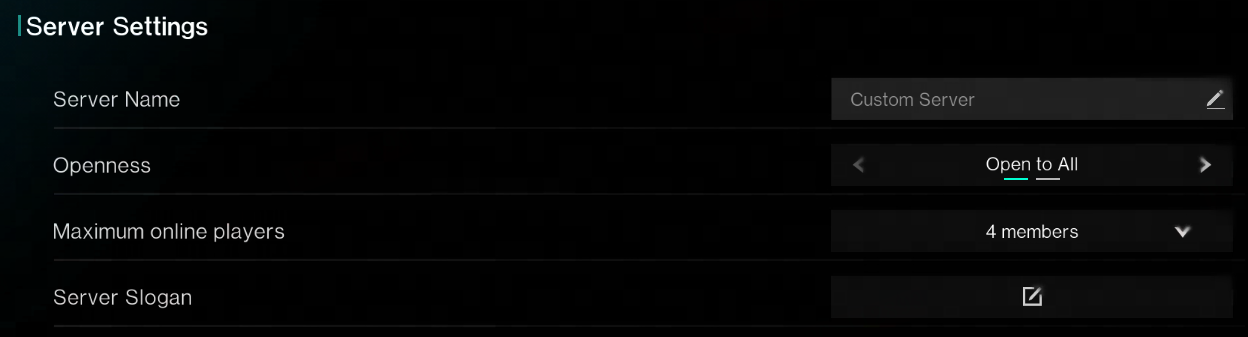
1. Server Settings
These four settings collectively form the complete server profile, from the name, public permissions, player capacity to slogan & introduction. It defines and showcases a unique game world to attract like-minded players to build an ideal gaming environment.
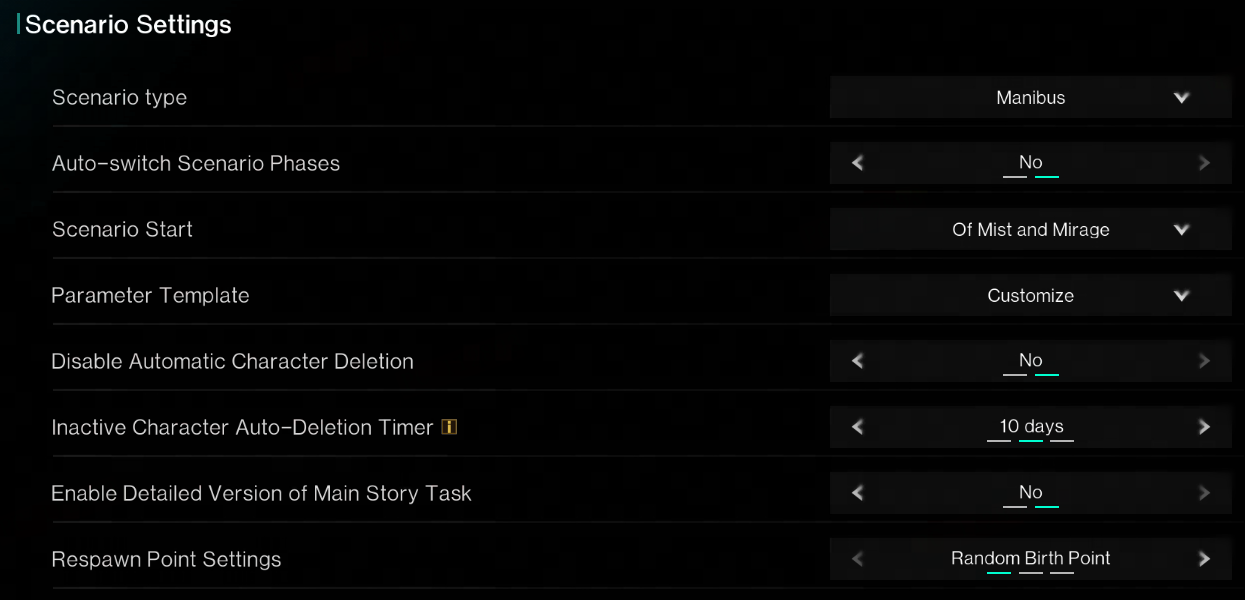
2. Scenario Settings
"Scenario Settings" are high-level thematic rule packages. By selecting scenario types, stages, difficulty, tasks, and key switches, server hosts can quickly create a themed, process-controlled game world without adjusting numerous parameters. This greatly simplifies server creation and management, allowing hosts to focus on operations.
3. Server Host Custom Settings
"Server Host Custom Settings" support optional sponsorship, offering daily or one-time gift packs as in-game rewards to acknowledge player support, encourage operations, and foster a healthy ecosystem.

II. World Parameters
1. Resources
Centralized control over the acquisition rates of all major in-game resources, enabling server hosts to adjust the overall "pace" of server progression and the "grind intensity" of survival/building with one click. This allows customization of resource abundance and economic conditions to match community expectations.
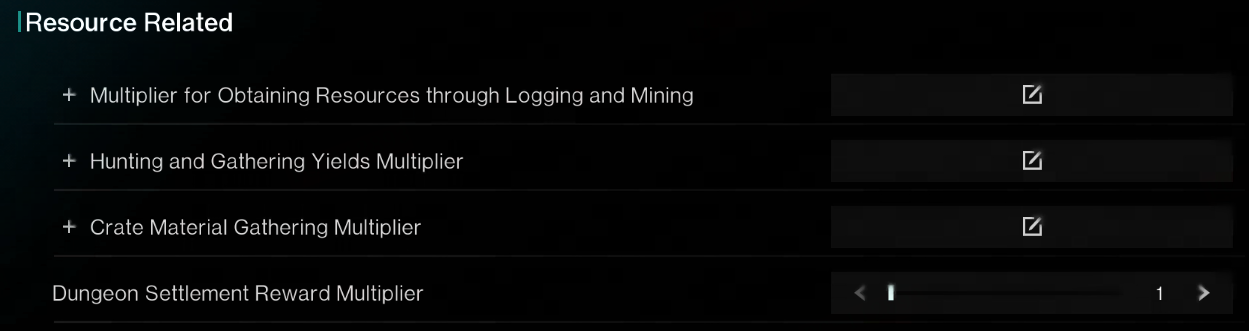
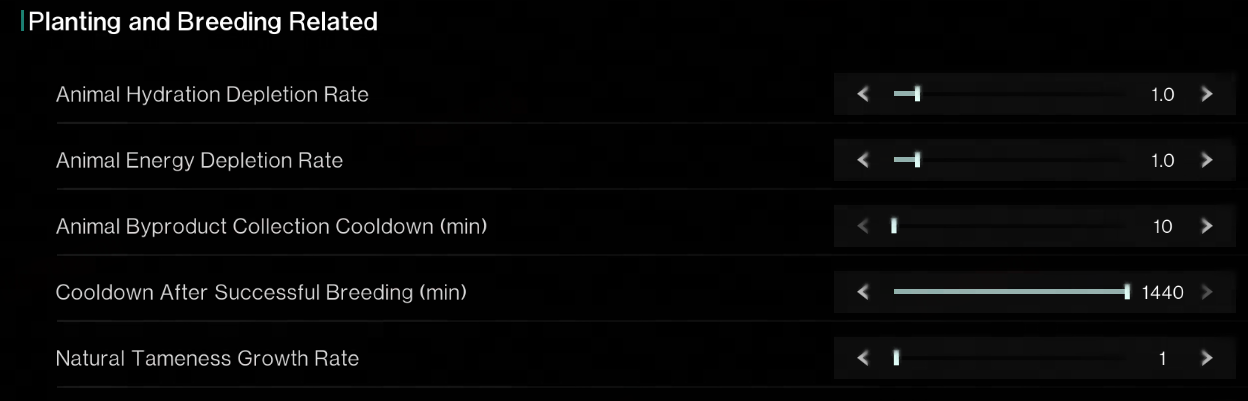
2. Farming and Husbandry (This module of options will not appear when "Once Human: RaidZone" scenario is selected)
Adjust the core pacing and convenience of the agricultural and livestock systems on the server, allowing the server host to fine-tune the time and effort players invest in "farming" and "breeding" gameplay, thereby influencing the overall "grindiness" and leisure level of the survival experience.
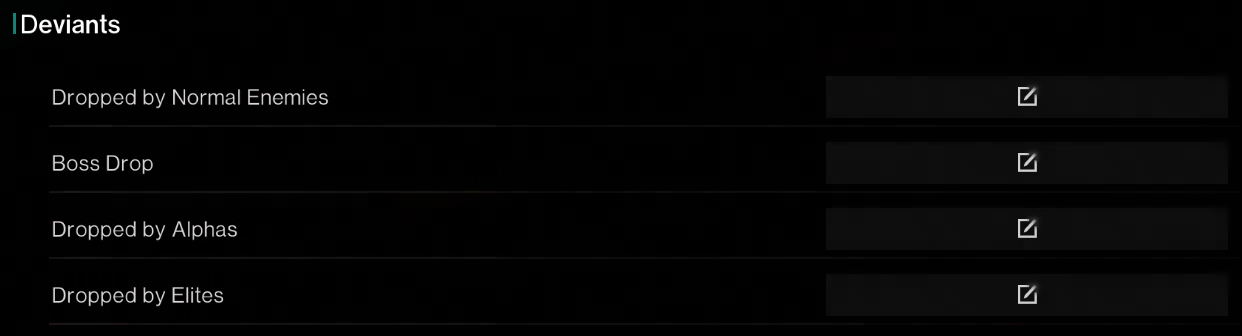
3. Deviants
Customize exclusive kill rewards for different categories of Deviants (minions, Boss, Alpha, Elite), enabling precise control over the rewards for combat and exploration, and meeting the challenge gradient and resource output needs of different servers.
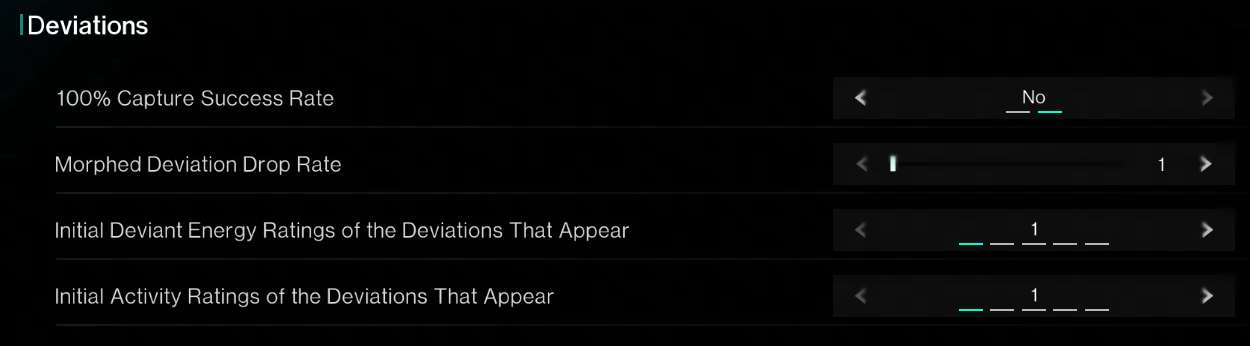
4. Deviations
Fine-tune the difficulty of acquiring and evolving "Deviations" by adjusting capture success rates, rare variant probabilities, and initial attribute ratings, defining how easy or hard it is for players to obtain high-potential companions, and shaping the core experience of the server's collection and Evolve gameplay.
5. Maps (This module of options will not appear when "Once Human: RaidZone" scenario is selected)
Conveniently adjust map exploration and Teleport permissions. The server host can instantly unlock map mist, repair all Teleport points, and remove Teleport cooldowns, reducing exploration and movement restrictions to enhance game convenience and pacing.
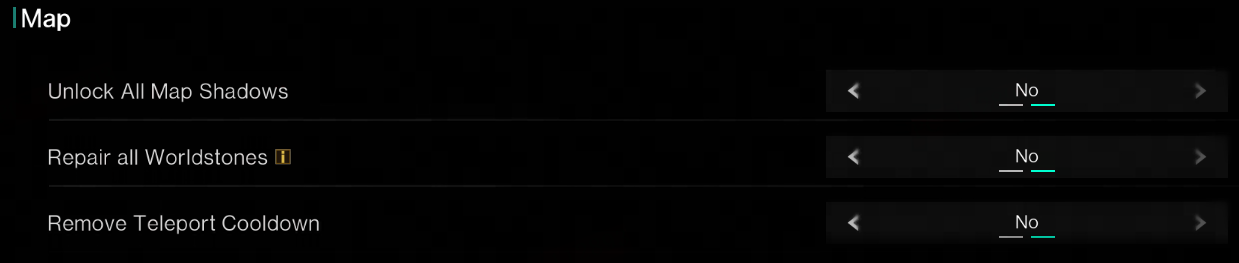
III. Combat Parameters
1. Combat Rules
Fully customize the combat experience by toggling PvP, adjusting damage/HP, and managing ammo consumption, freely defining the server's style as "peaceful building," "tactical competition," or "fast-paced action," shaping the core gameplay rules to match expectations.
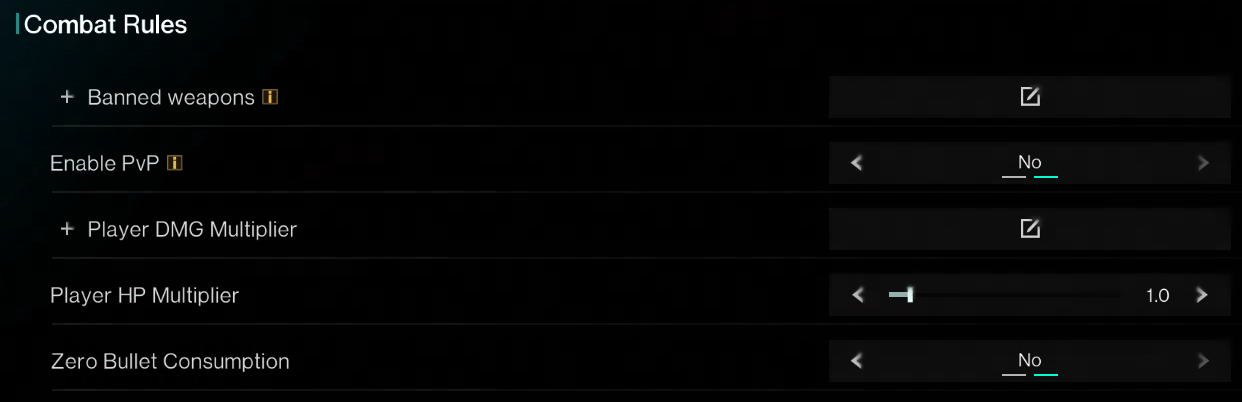
2. Combat Stats
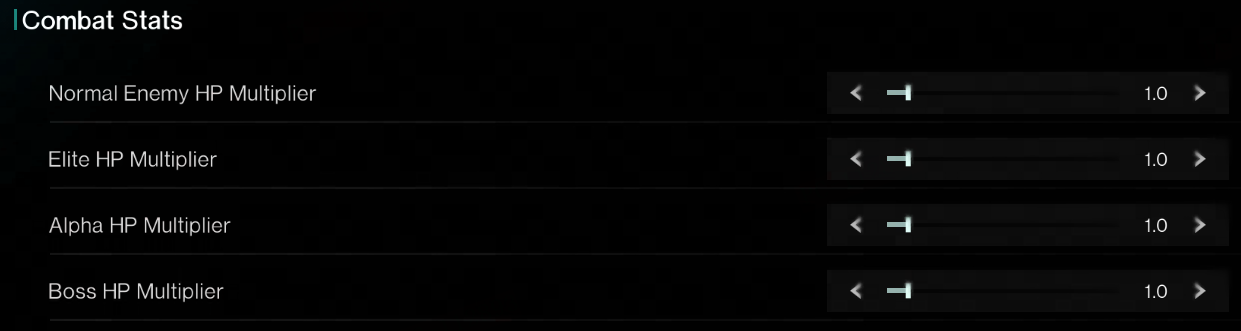
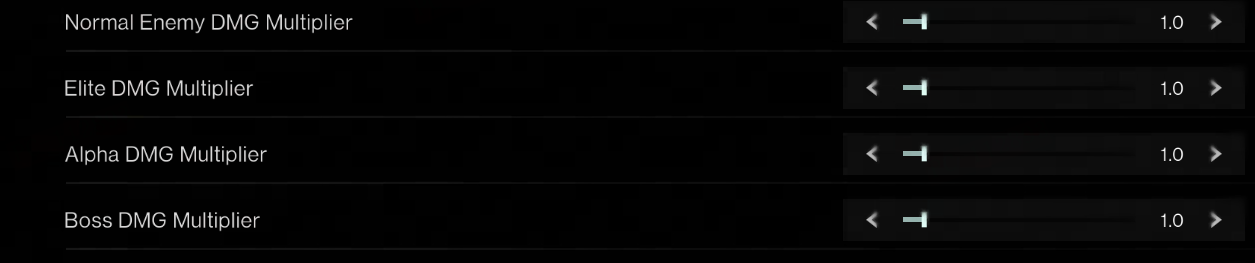
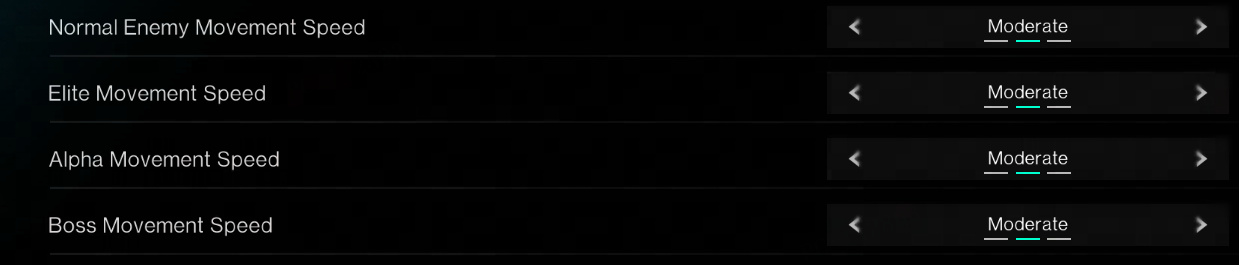
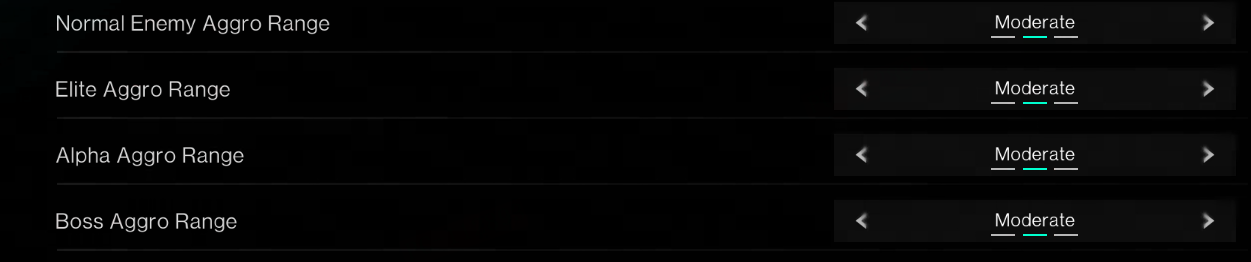
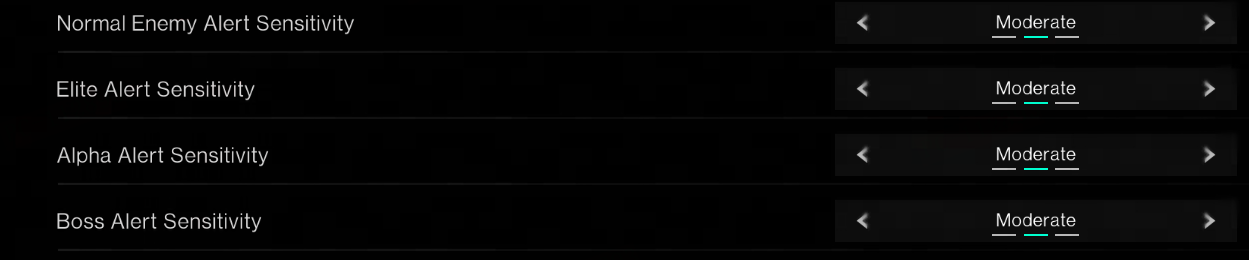
Adjust five Deviant-related parameters: HP, damage, movement speed, aggro range, and alert sensitivity. Each parameter is further divided into four Deviant categories: minions, Elite, Alpha, and Boss.
"HP Multiplier" affects the Deviant's HP.
"DMG Multiplier" affects the damage dealt by a deviant.
"Movement Speed" determines how fast a deviant moves overall.
"Aggro Range" refers to the range within which a deviant will persistently chase the player after entering combat until disengaging.
"Alert Sensitivity" refers to the combined factors (such as line of sight and distance) that determine how easily a player triggers combat with a deviant.
IV. Survival and Building
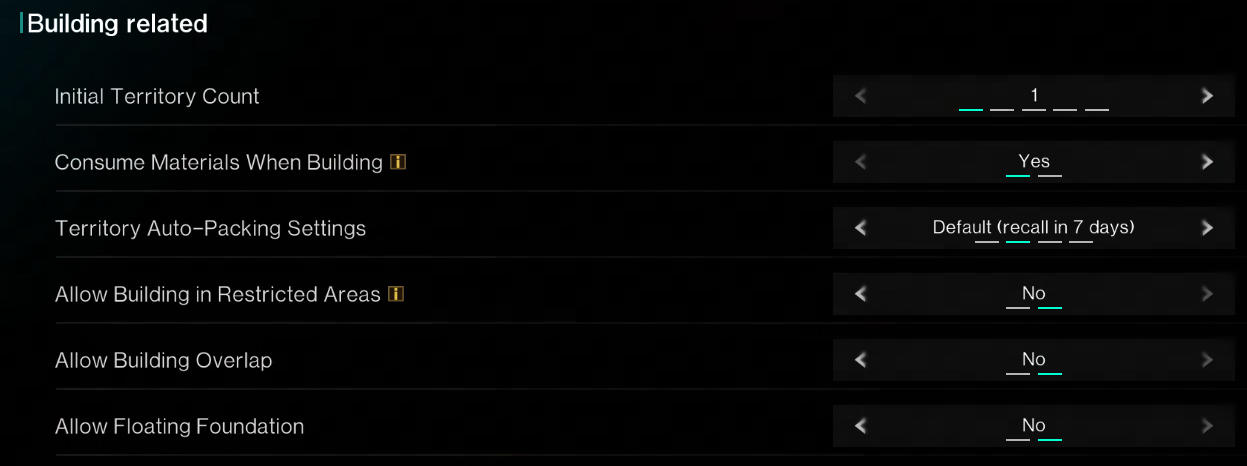
1. Building related
Fully customize construction rules and physics limitations. The server host can adjust building resource costs, physics rules (overlapping/floating structures), and territory management with a single button, creating diverse building gameplay ranging from "hardcore realism" to "creative freedom."
2. Character Abilities
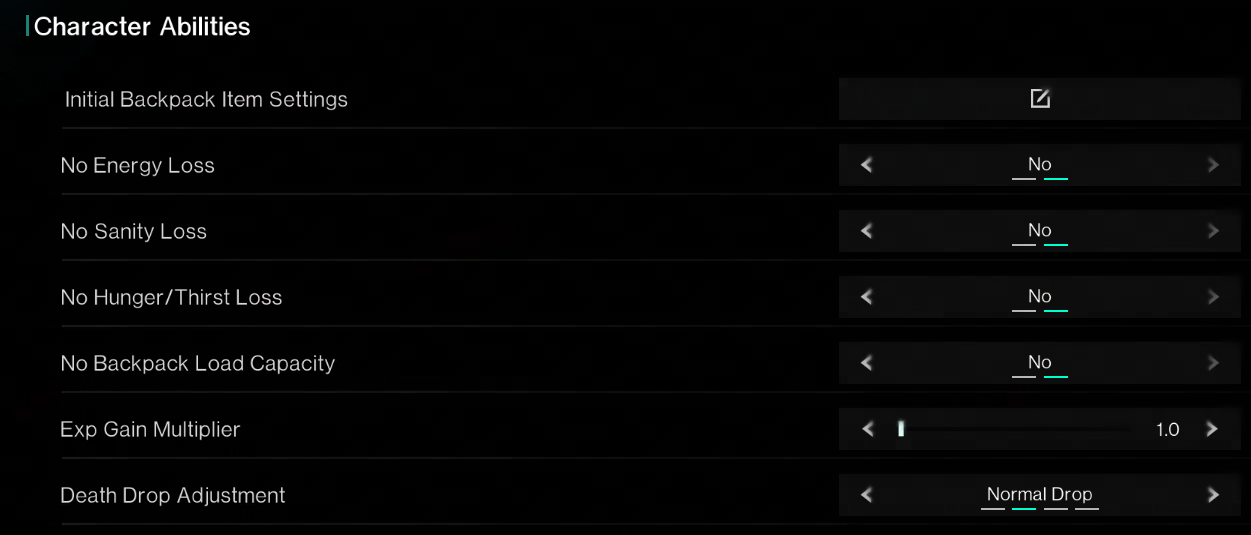
Adjust character survival difficulty and progression pace with one click. Remove survival pressures like hunger and thirst, tweak experience gain and death penalties, and define the server's core tone as either "hardcore survival challenge" or "casual exploration and development."
V. Tech Ability
1. Basic Tech
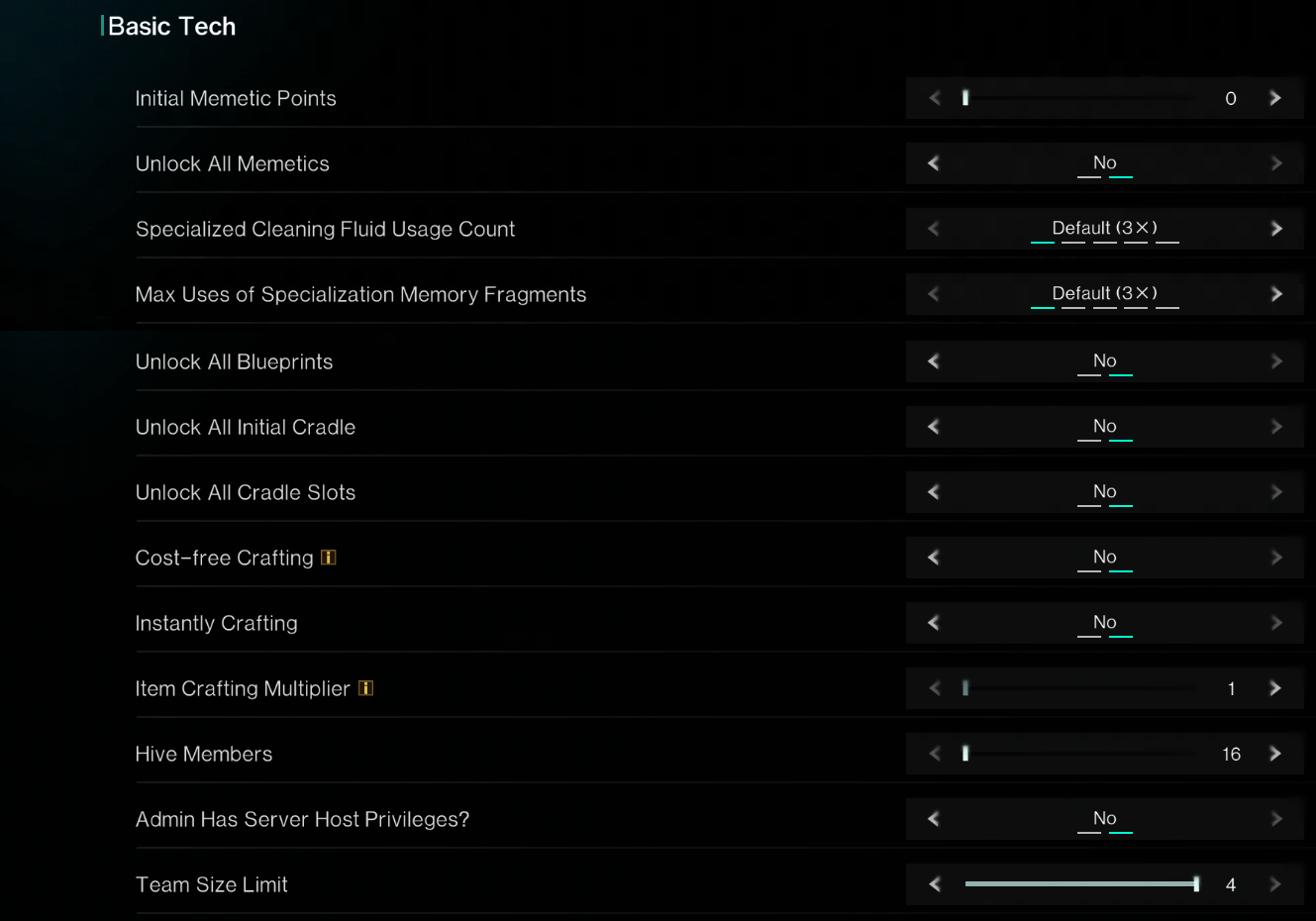
Batch-adjust players' starting points and efficiency in technology, crafting, social interactions, and management to quickly define the server's overall style, whether it's "casual exploration," "rapid progression," or "deep immersion", dramatically altering the game's pace and social structure.
VI. Scenario Settings
Some scenarios and visions offer additional gameplay settings, allowing the server host to further define the server's rules.
Currently, scenario settings are available for The Way of Winter, Prismverse's Clash, RaidZone, and the Lunar Revelry .
Server Settings & Dashboard
I. Server Host Privileges
The server host can find the "Server Host Privileges" option at the bottom of the main menu.
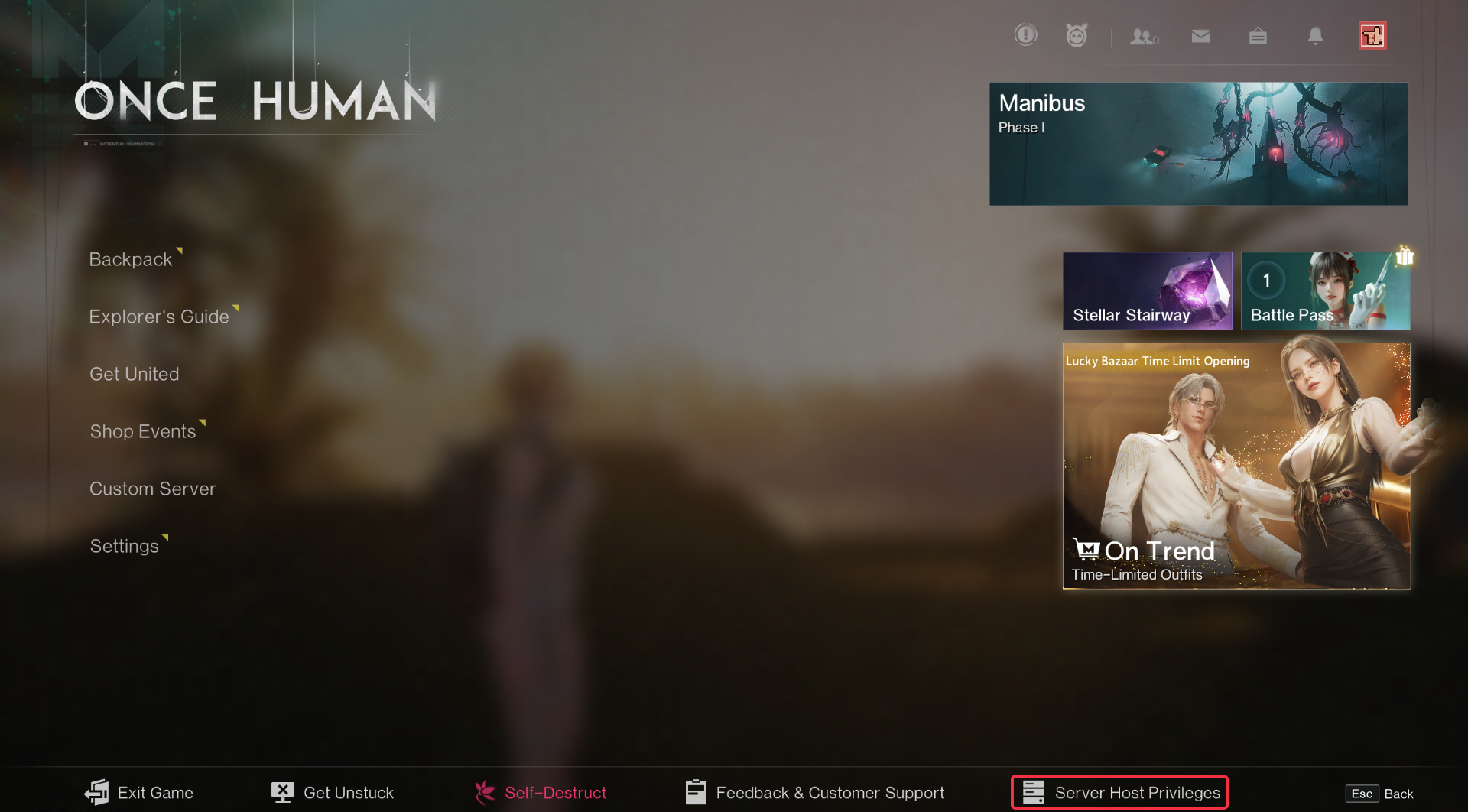
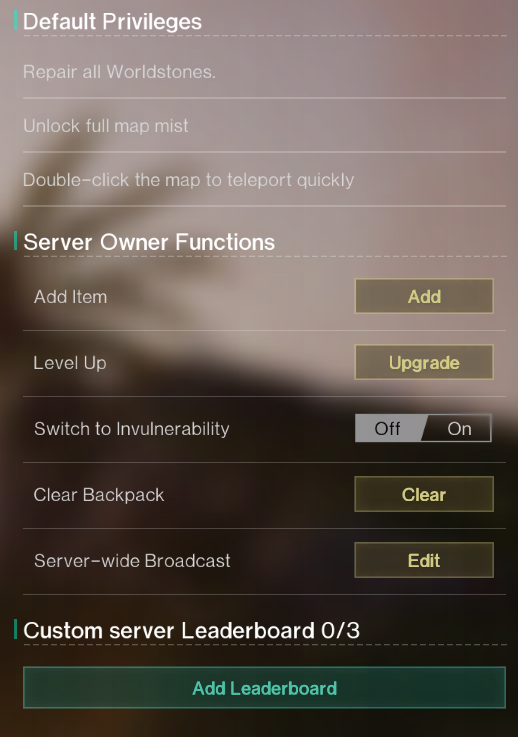
"Server Host Privileges" provides the server host and administrators (requires activation in tech settings) with a range of powerful in-game "backend" permissions and quick-access tools, enabling direct intervention in the game world and efficient player experience management. The most crucial feature is "Add Items," allowing the server host to send various items to any player on the server. Sent items will be delivered via in-game mail, so remind players to check their mailbox.
Leaderboard Function
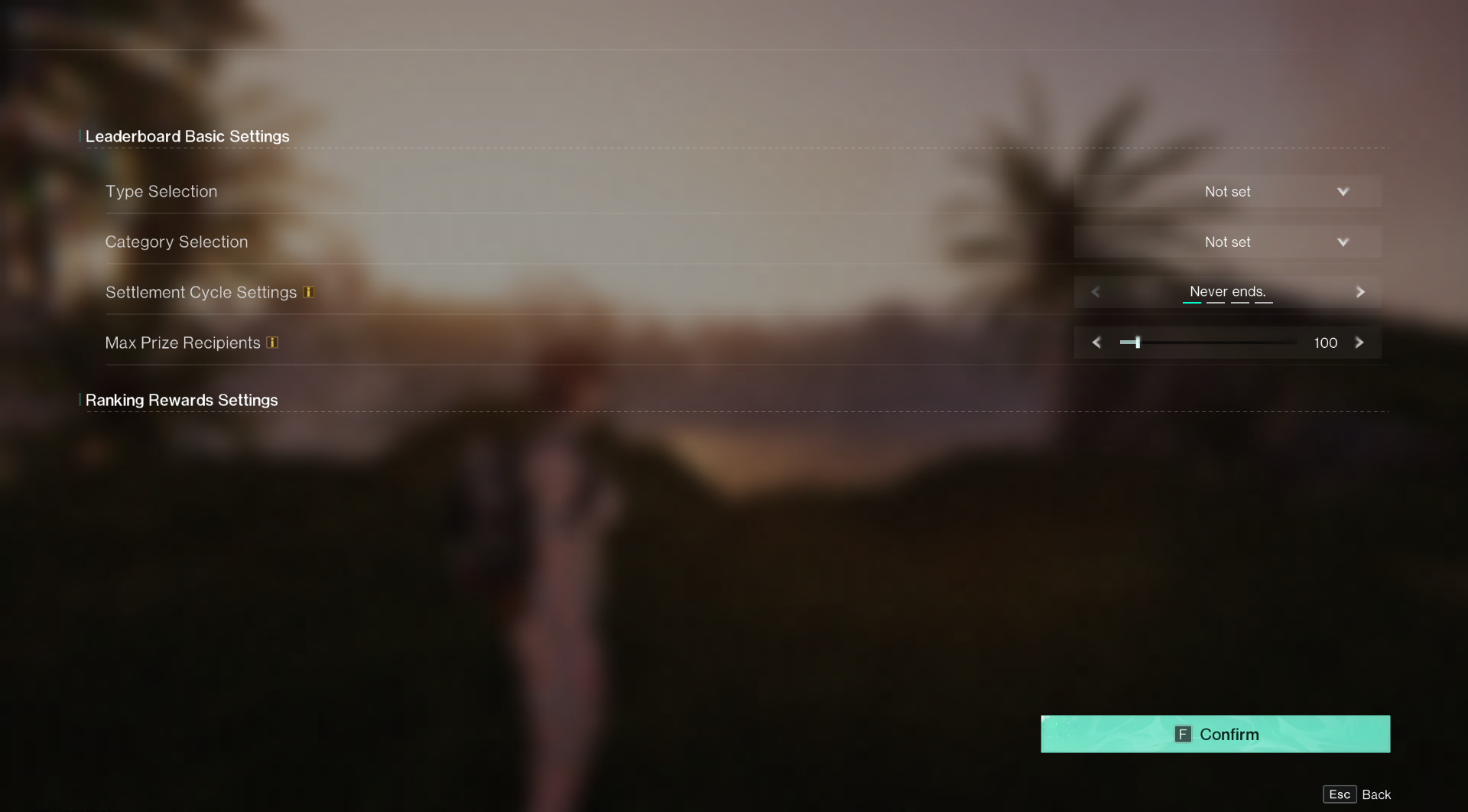
The server host can access this menu by clicking "Add Leaderboard" and enhance the server's fun and challenge through leaderboard gameplay. The server host can set the leaderboard type and use various metrics like level, kill count, or black-out count to determine rewards for players.
II. Player Management
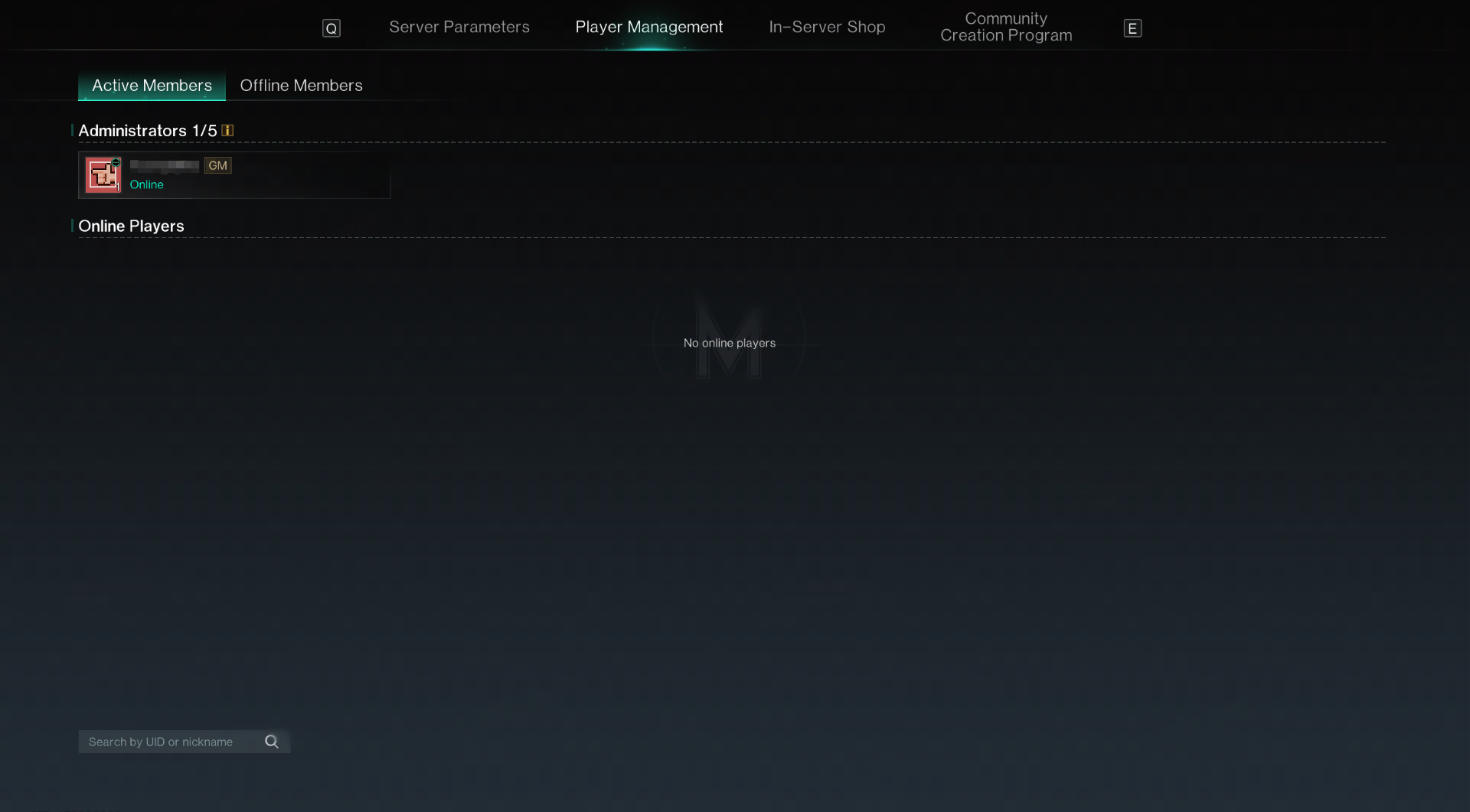
The server host can use "Player Management" to execute different commands for players on the server, including banning accounts or deleting characters for rule-breakers. Note that some actions are permanent and irreversible, so the server host must confirm before proceeding.
III. In-server Shop
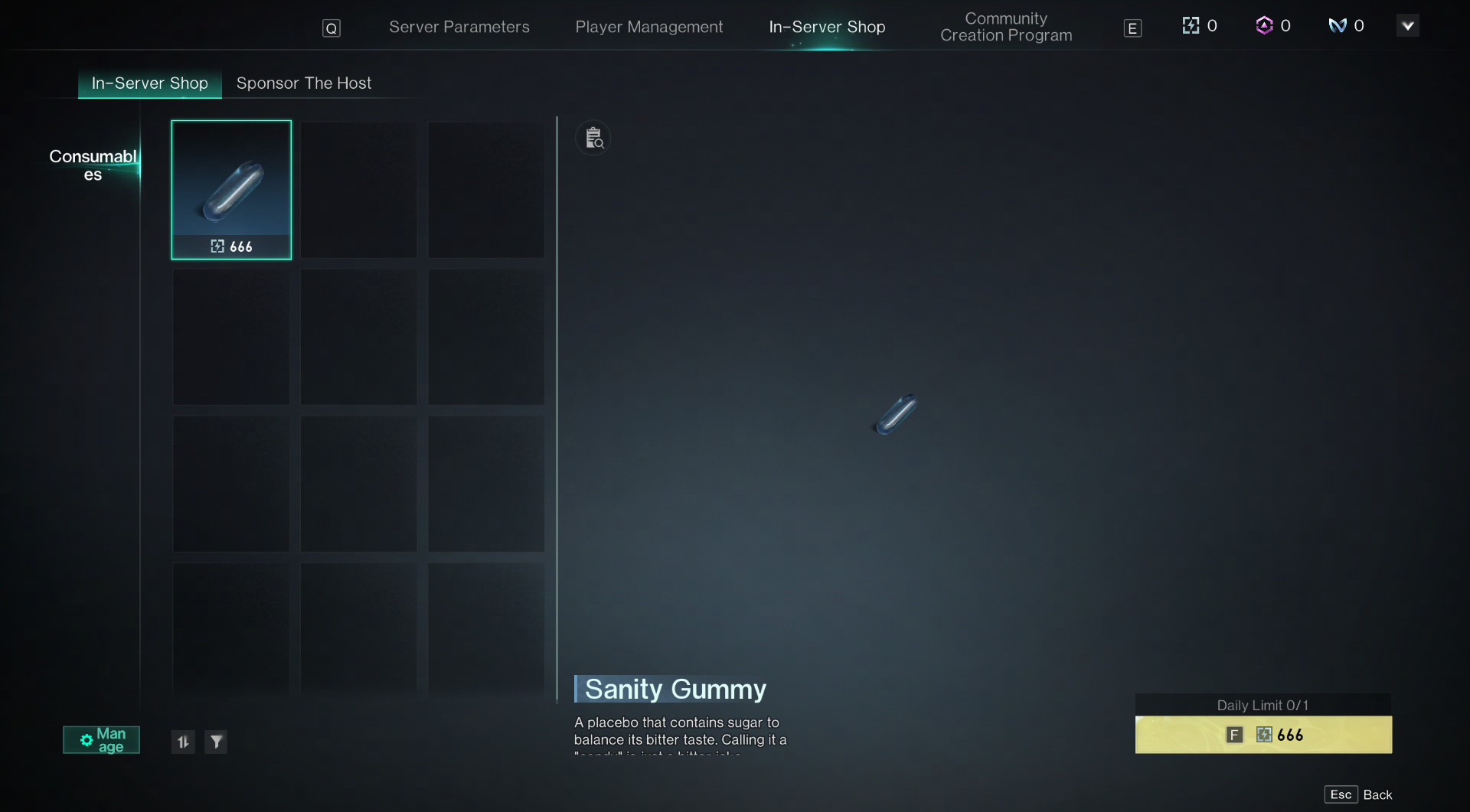
1. In-server Shop
Players can enter shop management by clicking "Manage" at the bottom left, then select "List Item" to begin product management.
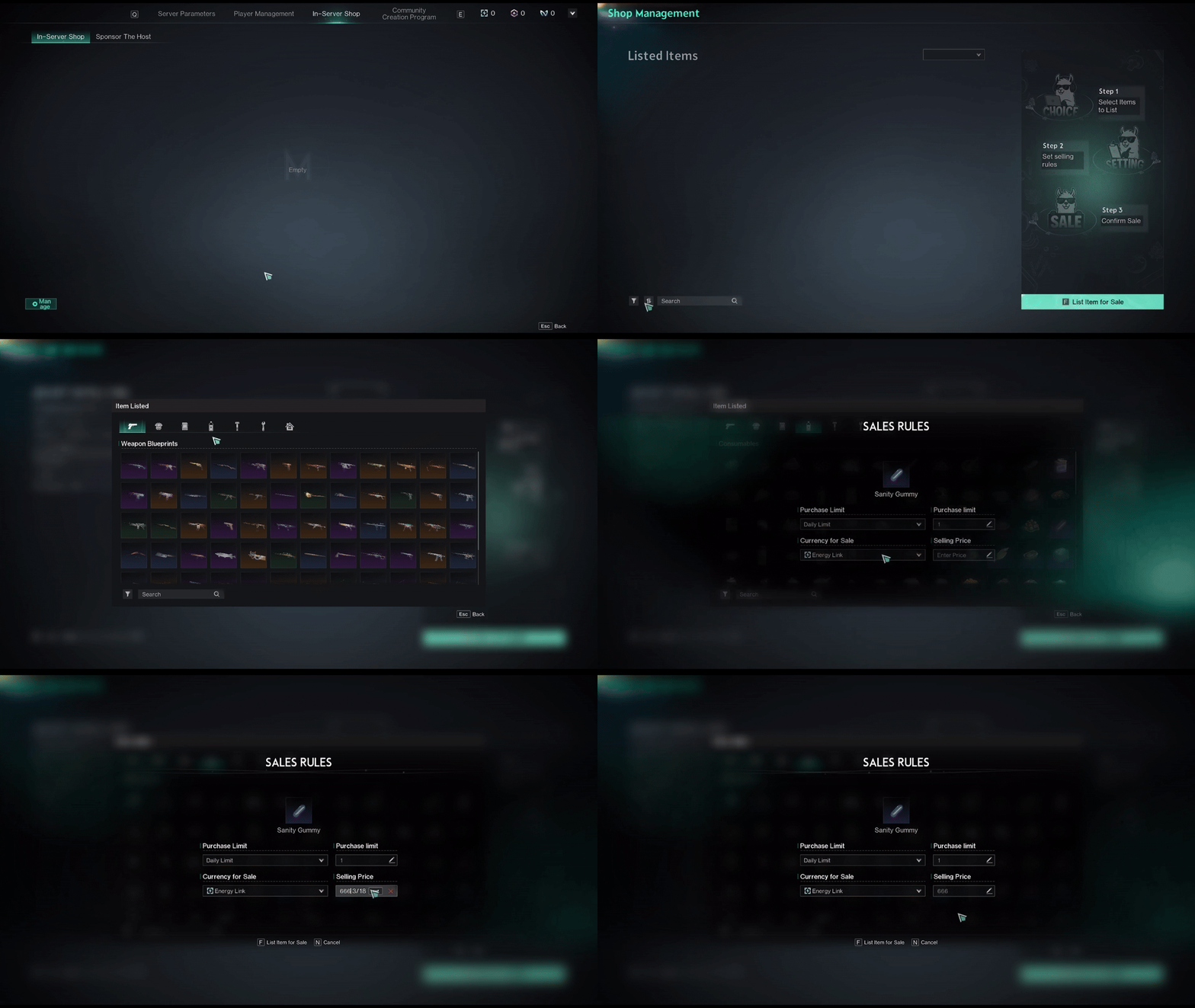
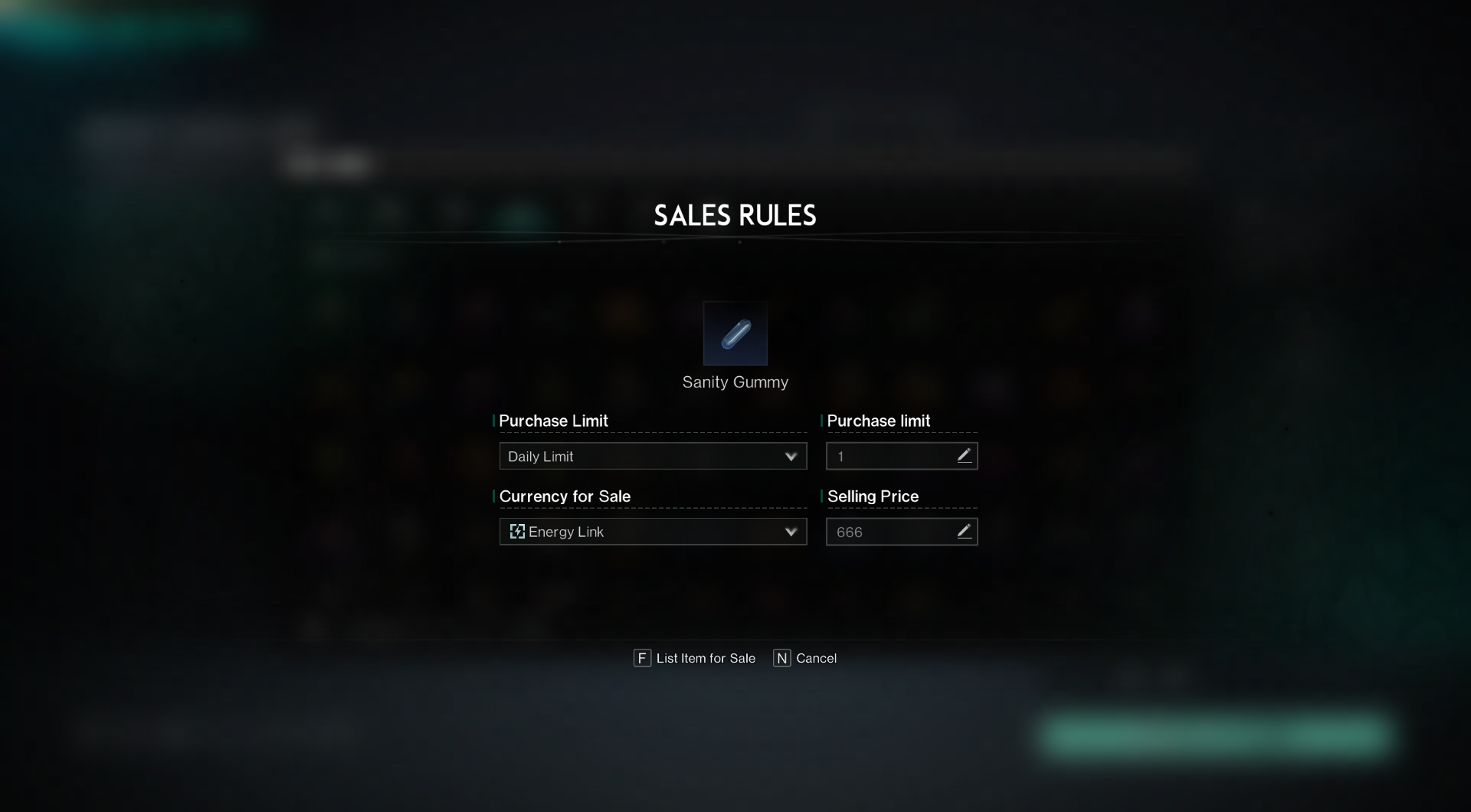
After selecting the item to sell, the server host can set its available quantity, sale currency, and price.
After completing the above setup and listing process, your items will appear in the In-server Shop, where all players within the server can make purchases.
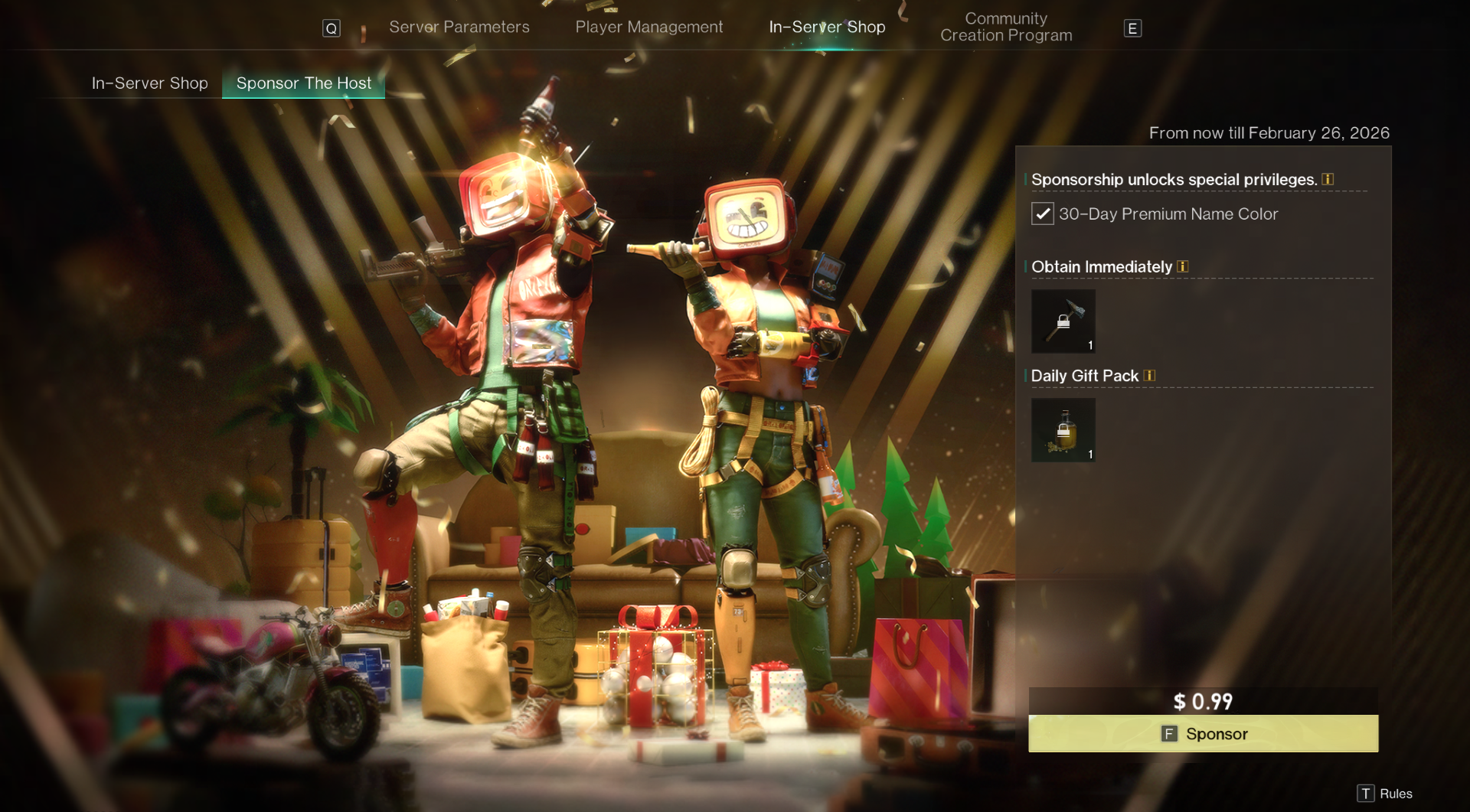
2. Sponsor The Host
Players can sponsor the server host here to receive a 30-day exclusive name color and the gift pack set by the host. The host can customize the gift pack in the "Host Special Settings" under <Basic Settings>.
IV. Community Creation Program
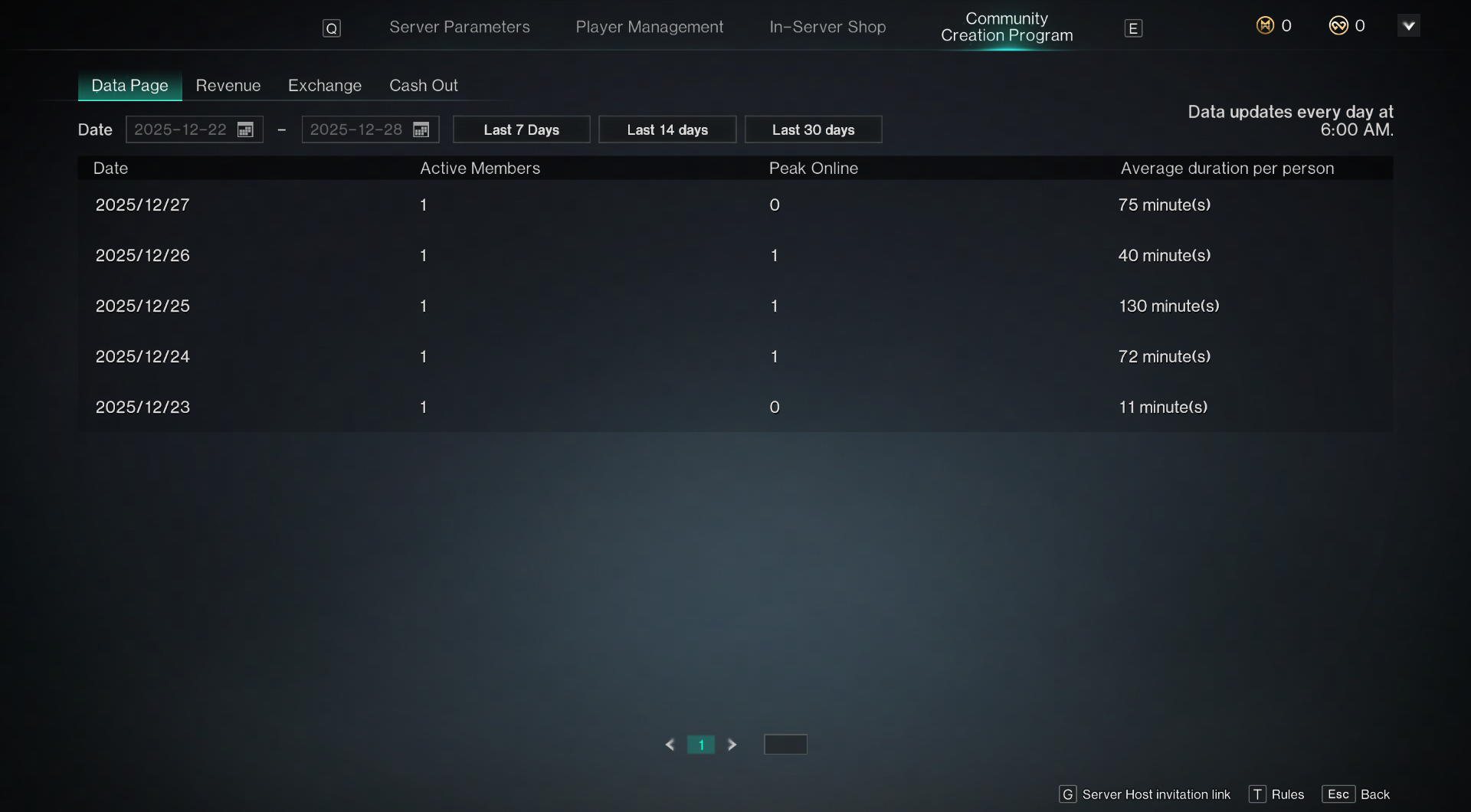
1. Data Page
The server host can view the daily player activity of their server here and adjust the desired query period by date.
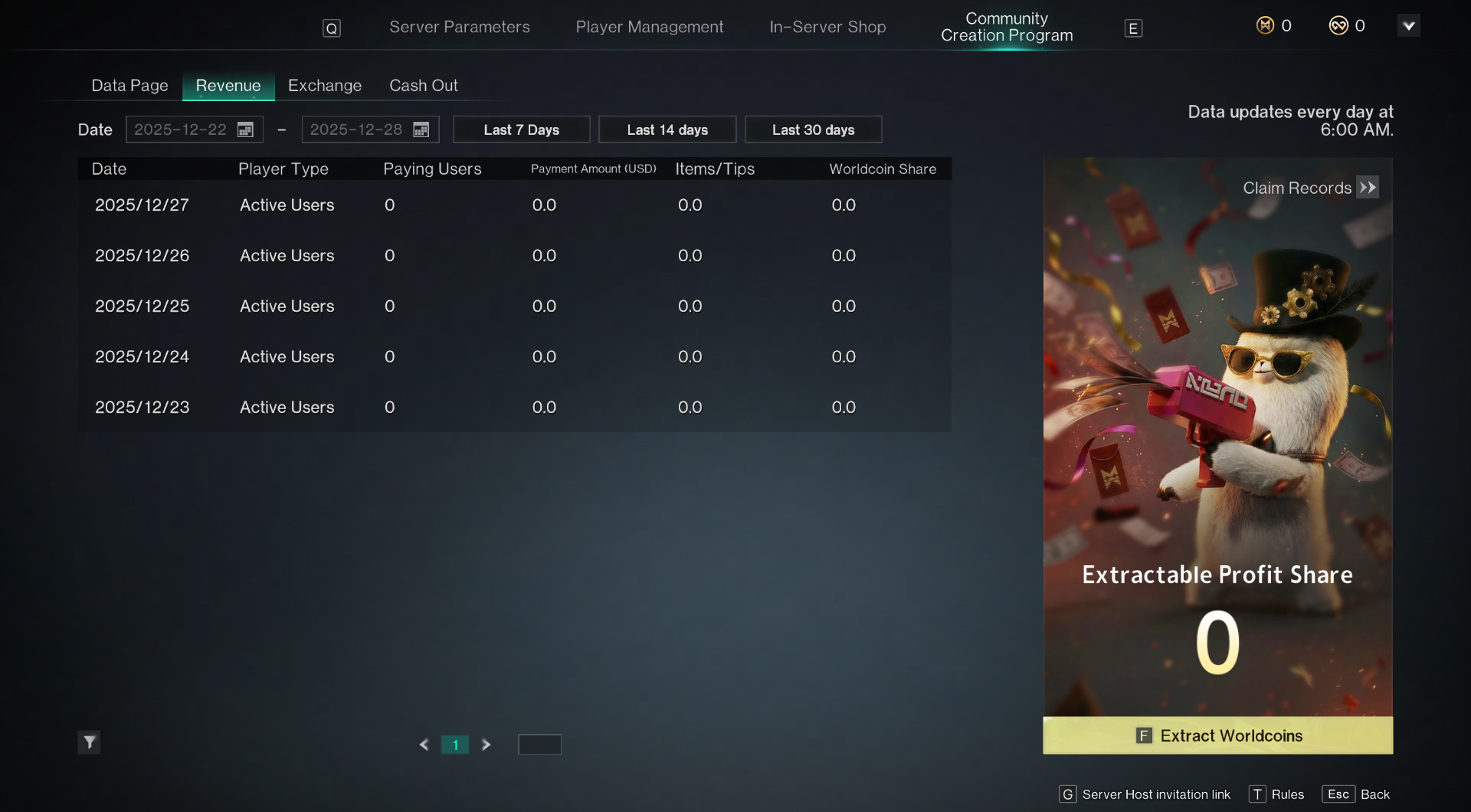
2. Revenue
The server host can check the daily revenue here and adjust the desired query period by date. Player types are categorized as new users, active users, and returning users.
The revenue share ratio for new users and returning users is 30%, while for active users, it is 5%. For items/sponsorships, the ratio is uniformly 50%, regardless of type.
All shares will be displayed here in Worldcoin, settled and distributed at 6 AM. The host can withdraw Worldcoin at any time and use it on the redemption page.
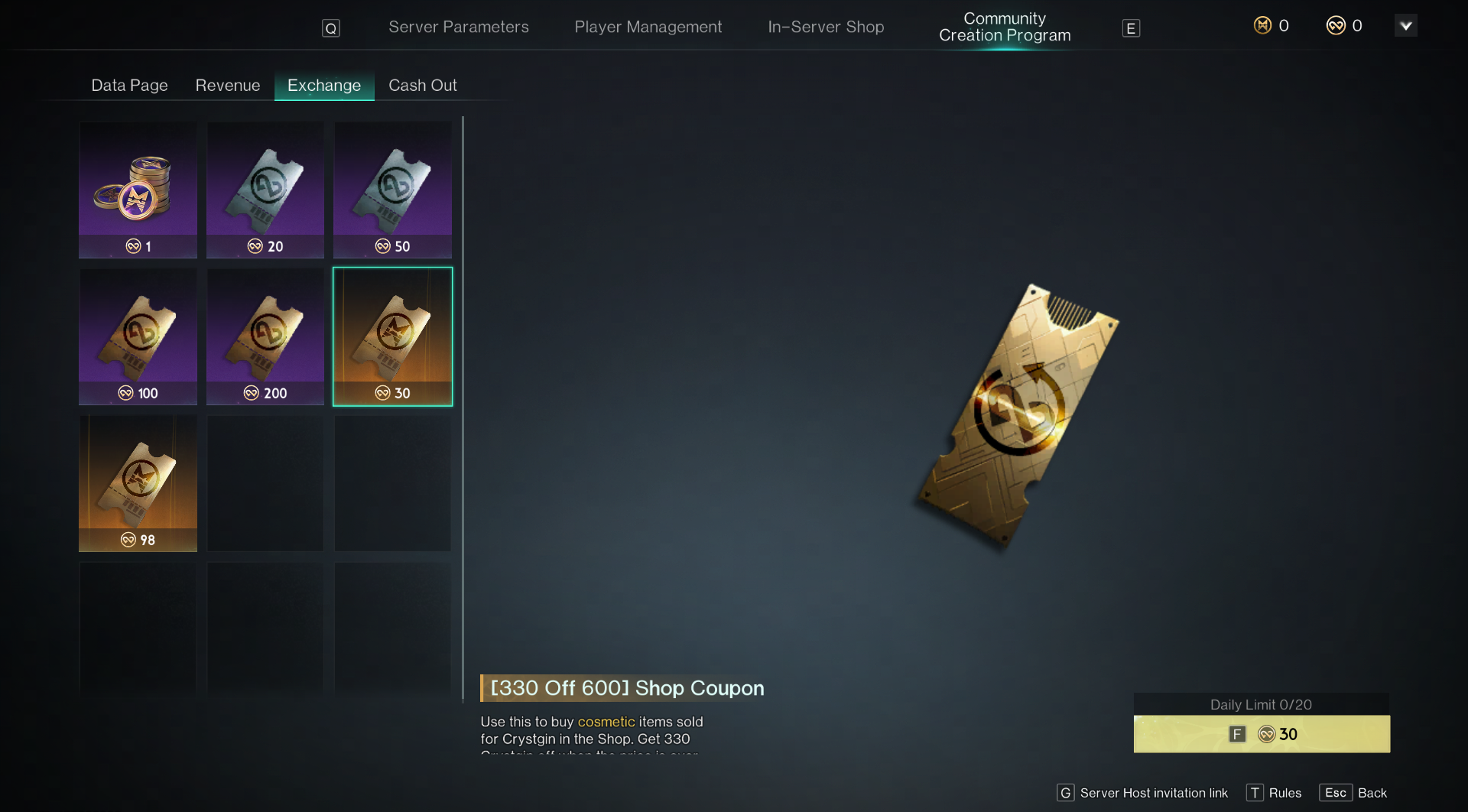
3. Exchange
Server hosts can exchange Worldcoin for various items here. Currently available items include Crystgin, custom server (playtime) duration vouchers, and Shop coupons for spend-and-save promotions.
Crystgin: Exchange rate 1:10, with a daily limit of 100,000 Crystgin.
Custom server (playtime) duration vouchers: Can be directly used to offset the rental fees for custom servers. Shop Coupons: When spending a certain amount of Crystgin in the shop, you can receive a corresponding Crystgin discount.
4. Cash Out
Coming soon